3. Development Unit
Before You Begin
• The surface of a drum is sensitive to light. Exposing the surface of a drum to strong light (especially
direct sunlight) can permanently damage it.
• Replace the photoconductor unit or its cleaning unit with the detached charge unit.
What You Need
• Hex screwdriver
• Drum setting powder pad applicator
• Newspaper or other paper
Time for Replacement
A message will appear when it nears the time to replace a component.
Print the counter list.
1. Press the [Counter] key and print out the counter list.
See page 16 "Control Panel".
2. Turn the machine off.
See page 17 "Turning Off/On the Power".
Replaceable Parts
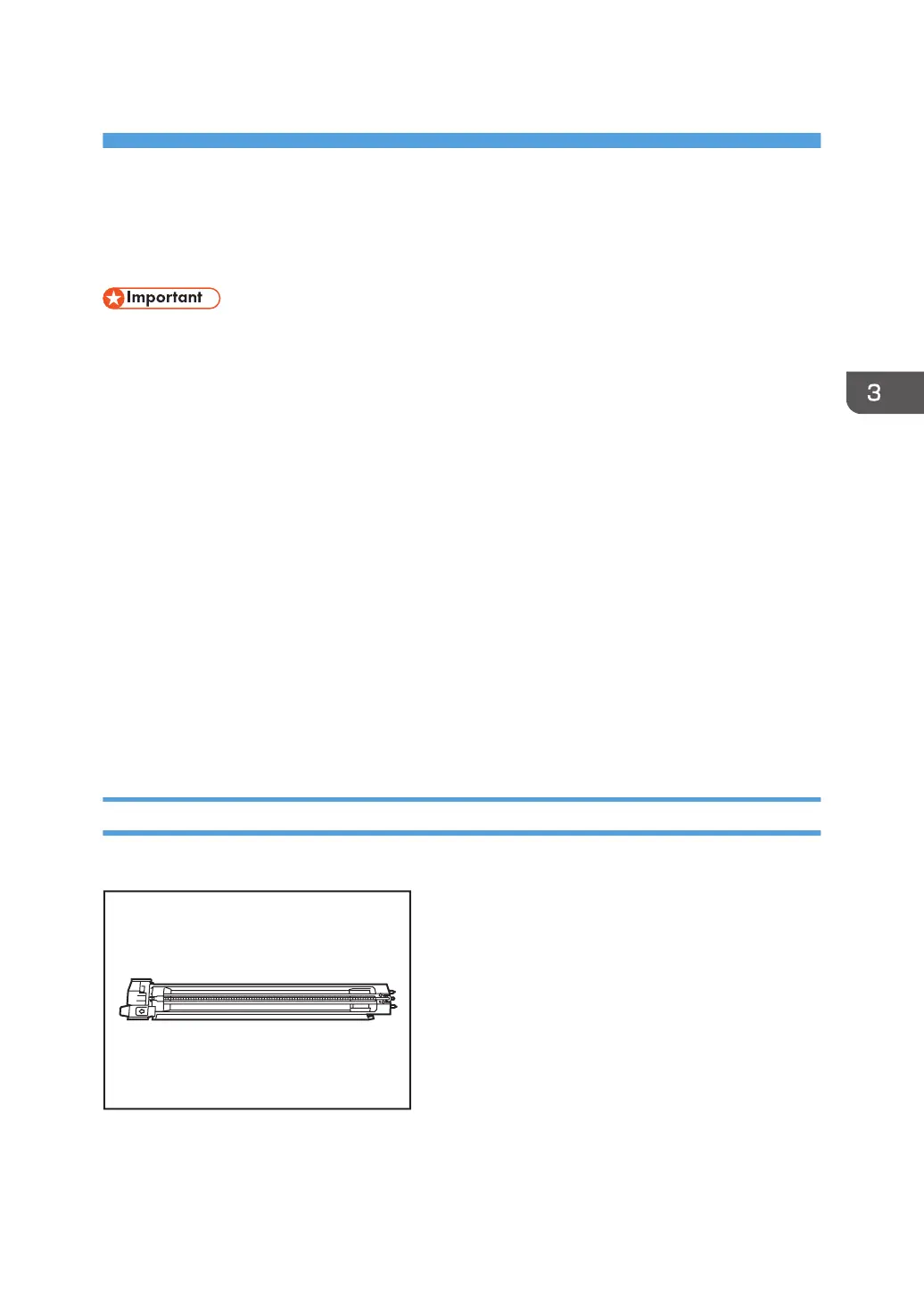
Charge unit
75



 To Next Page