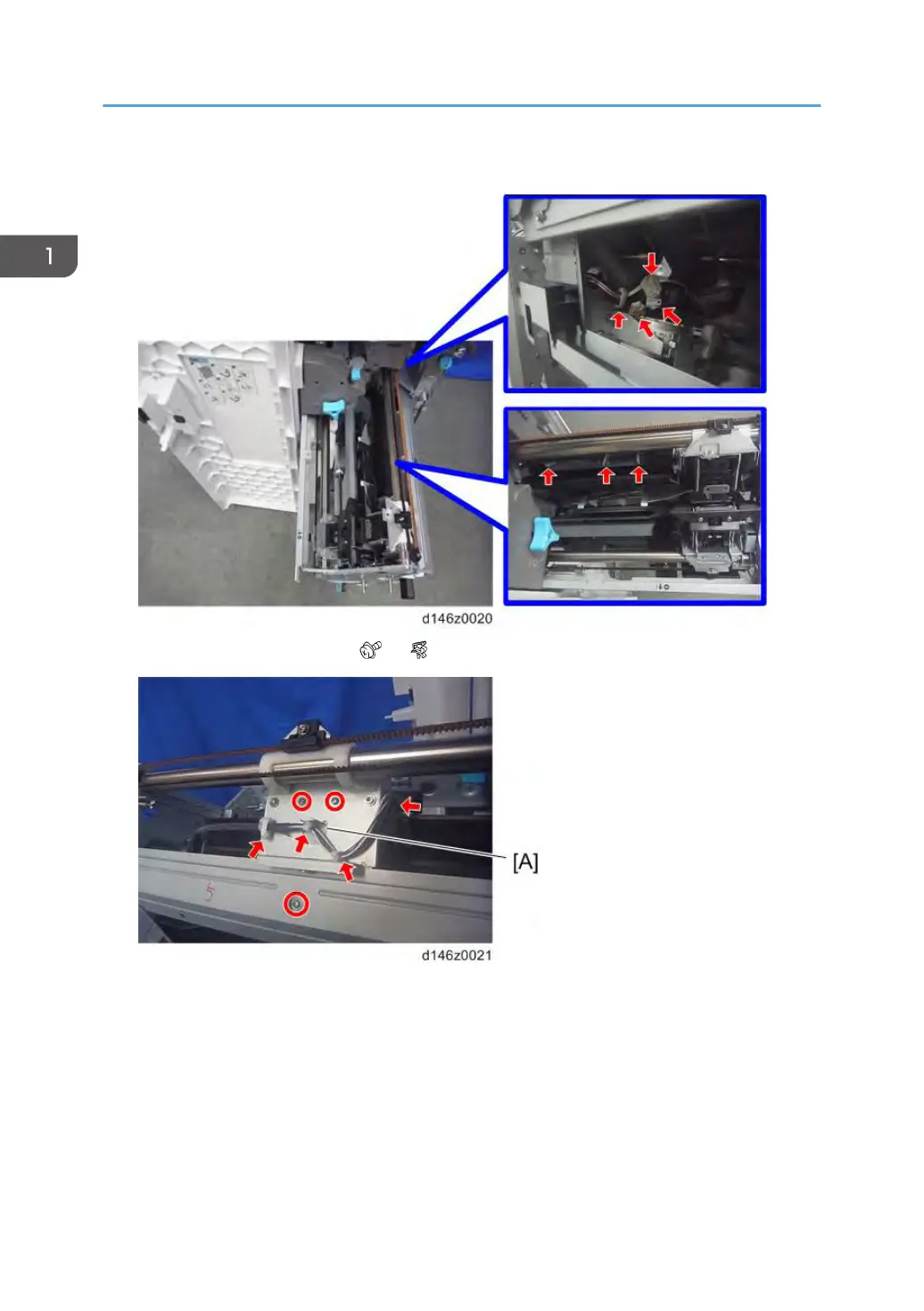
10. Disconnect three connectors and release four clamps on the stapler unit (driver side).
11. Stapler unit (driver side) [A] ( ×3, ×4)
12. Attach the special tool to the stapler unit to adjust the staple position of the stapler unit.
Check that four pins ([A] and [B]) on the special tool are fixed in the slots [C] on the stapler unit as
shown below.
[A]: Two pins for driver
[B]: Two pins for clincher
1. Replacement and Adjustment
42



 To Next Page