17. Check that the stapler works properly.
• All staple patterns must be checked.
•
If there are any problems with the clincher, adjust the staple position with the special tool
again.
Booklet Stapler Unit
1. Rear cover (page 9)
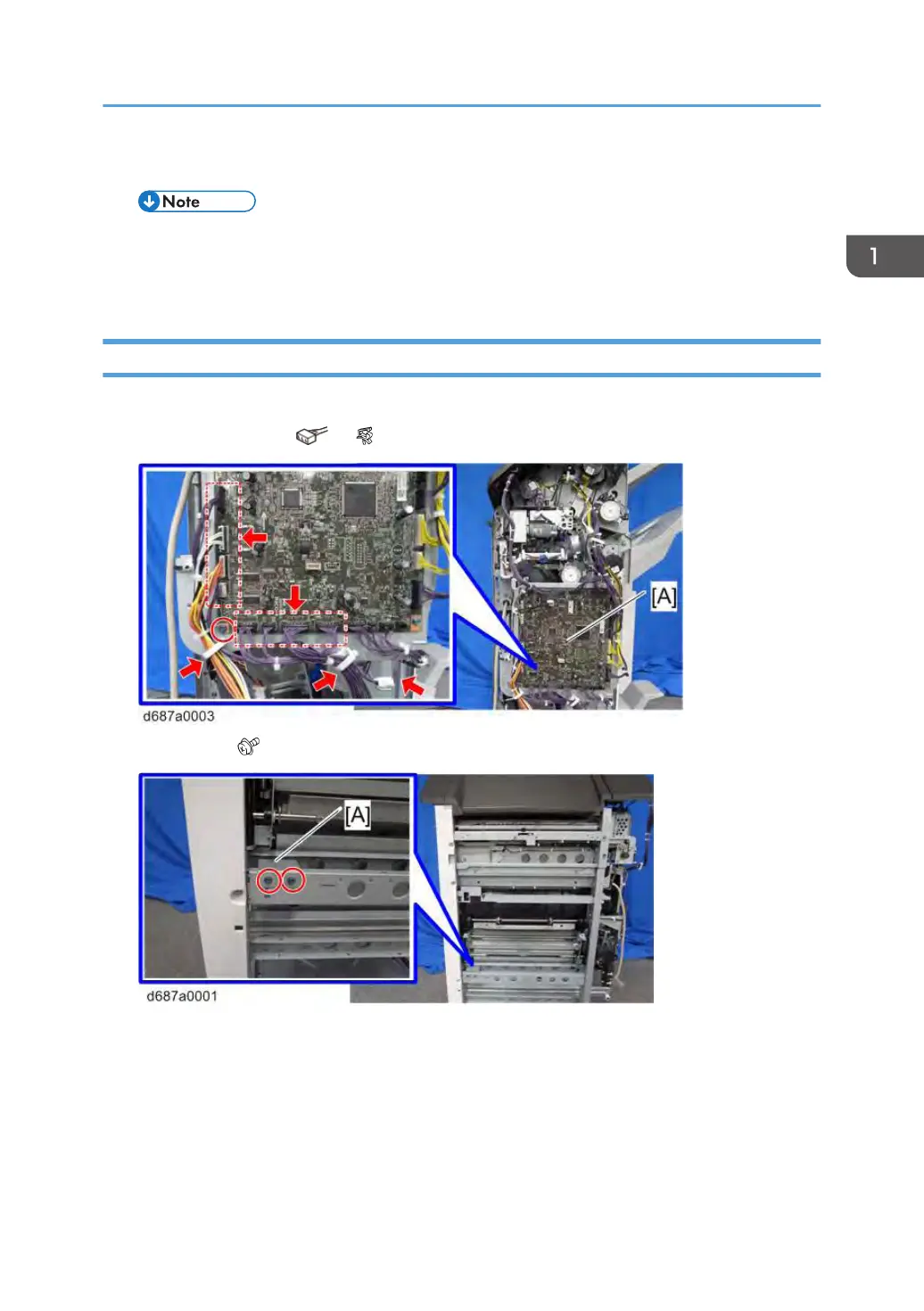
2. Remove connectors ( ×9, ×2, ground plate×1)
3. Stopper [A] ( ×2)
4. Open front cover (page 7)
5. Pull out the booklet stapler unit [A].
Booklet Stapler Unit
45



 To Next Page