S9922 3G/4G Router User Manual
RICON: Mobile Connect Tecnology
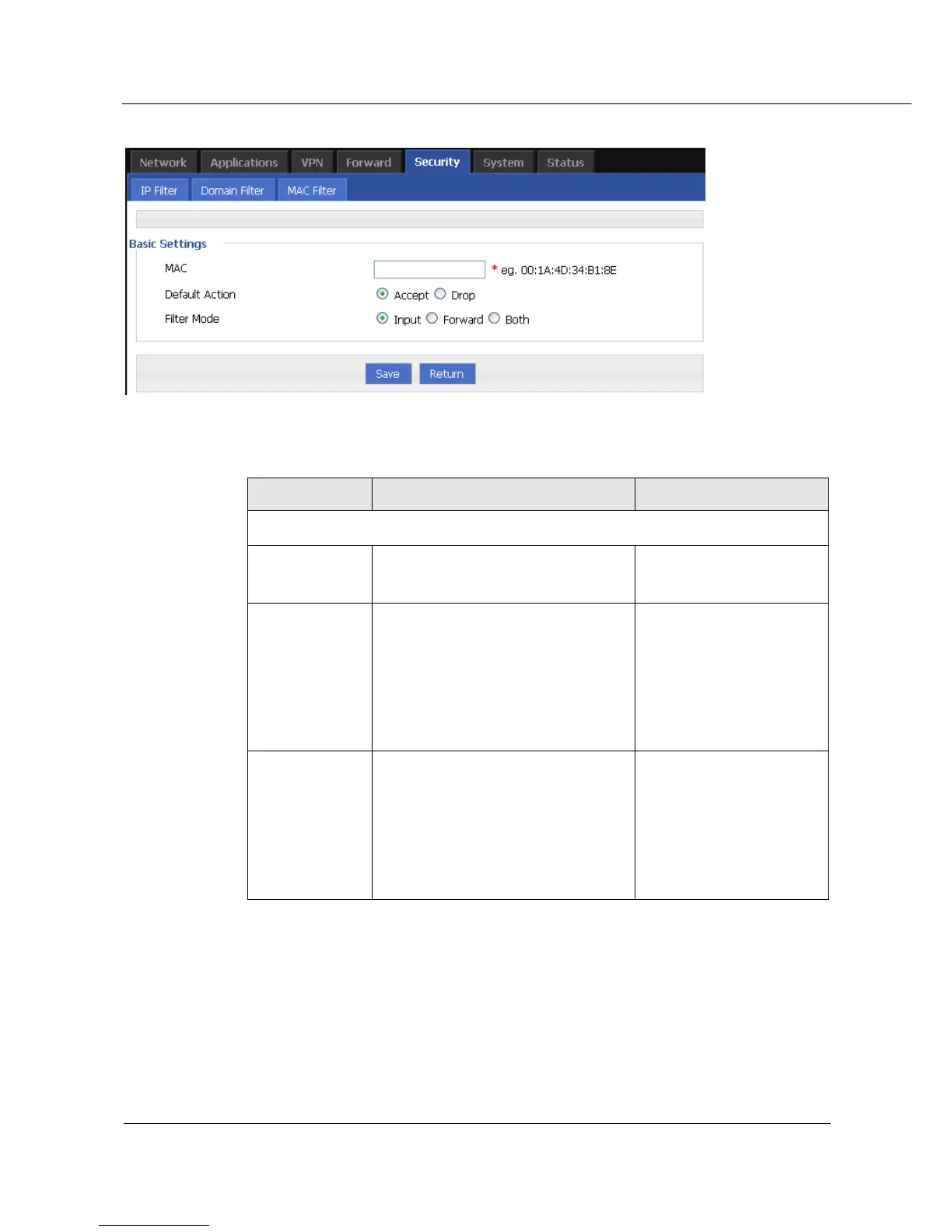
Figure 5-29 MAC Filter configuration
Table 5-18 MAC Filter Parameter instruction
WORD type MAC format:
XX:XX:XX:XX:XX:XX
Default actions of the rule. Can be
“accept” or “Drop”:
Accept: to accept all packages from
this MAC.
Drop: to drop all packages from this
MAC.
To choose “accept” or
“Drop”
To choose “Input”, “Forward” or
“Both”.
Input: all packages visiting router.
Forward: all packages forwarded by
router.
Both: both Input and forward.
To choose “Input”,
“Forward” or “Both”.
Step 4 Single click “save” icon to finish.
---END



 To Next Page