5.7 System configuration
5.7.1 Overview
“System” can let you know the status of router, firmware upgrading and other maintenance
5.7.2 Local Log
Step 1 Log on WEB GUI of S9922 4G Router.
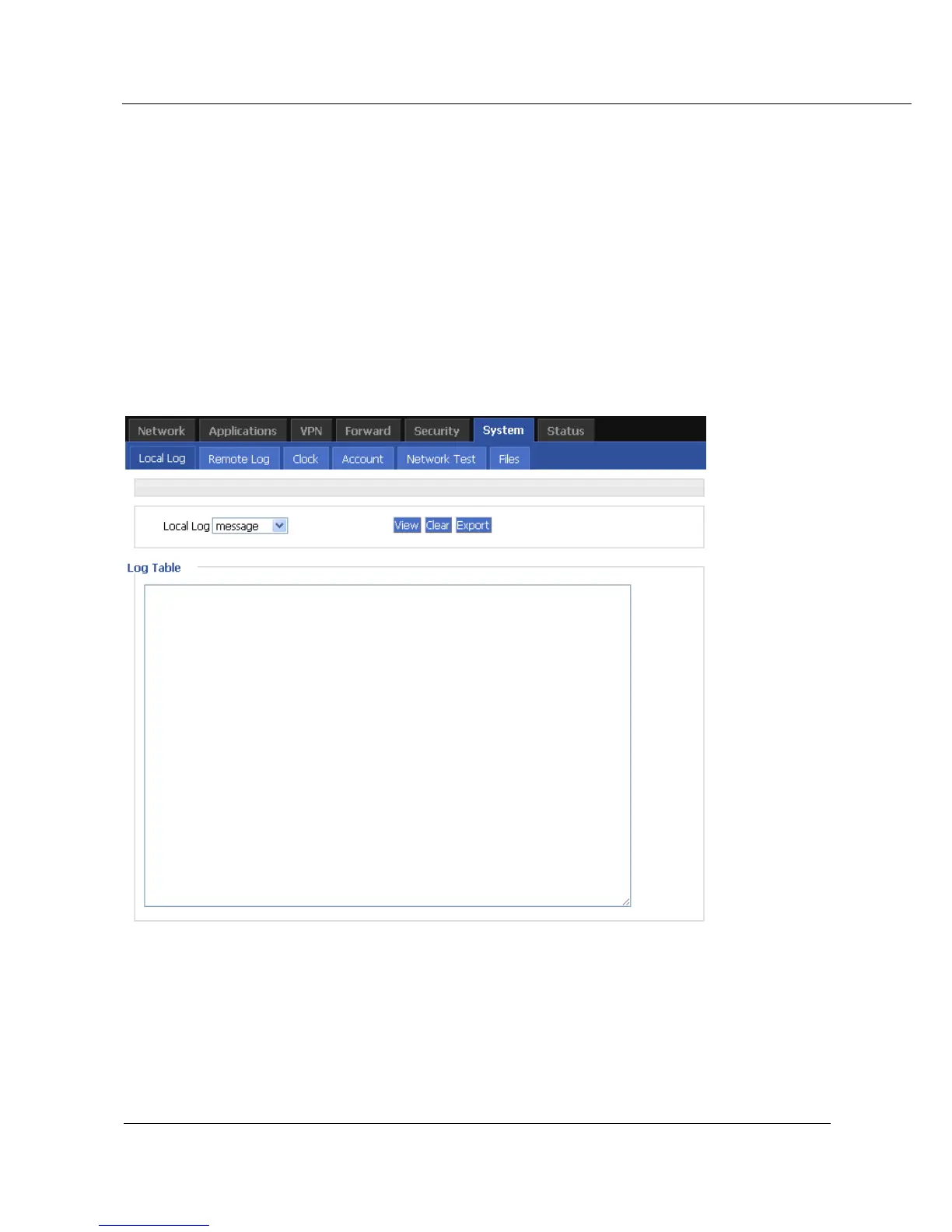
Step 2 Click “System > Local Log” to open “Local Log” tab.
Figure 5-44 Local Log tab
Step 3 Select type of “Local Log” and then click “View” to see log.
Click “Clear” to clear the log info in the “Log Table”, and click “Export” to export log in
your local PC.
There are 3 types log:



 To Next Page