S9922 3G/4G Router User Manual
RICON: Mobile Connect Tecnology
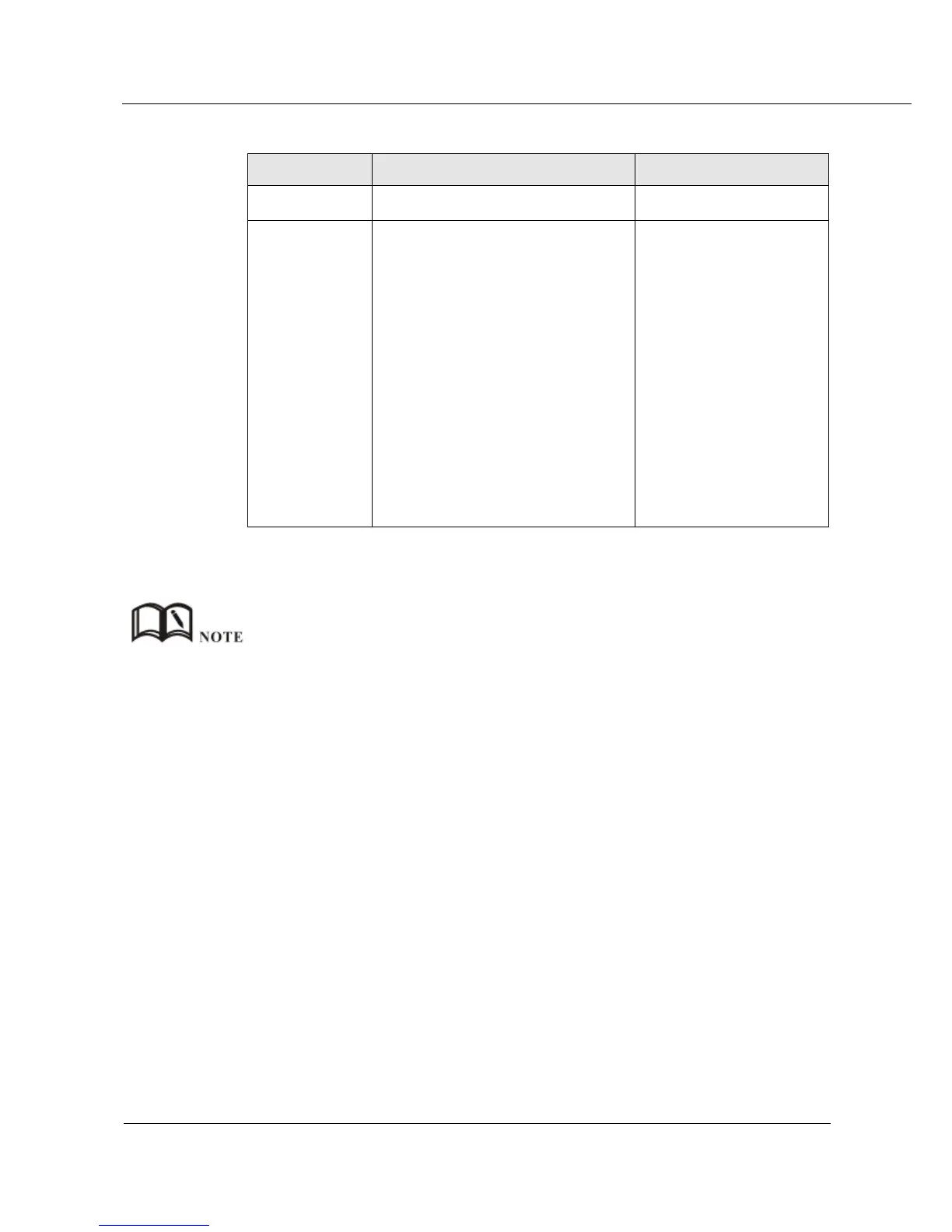
Table 5-20 MASQ rule Parameter instruction
To select “NAT” or “MASQ”
Interface includes:
br0: use br0 interface as
commucation address between
rouer & LAN and external network.
Modem: use modem interface as
commucation address between
rouer & LAN and external network.
modem2: use modem2 interface as
commucation address between
rouer & LAN and external network.
eth0: use eth0 interface as
commucation address between
rouer & LAN and external network.
Step 5 Single click “save” icon to finish.
DMZ (demilitarized zone): when external address of NAT is “0.0.0.0/0”, and “Chain” is “dstnat” it
represents all packages sent to router will be forwarded to internal address of NAT. when external
address of NAT is “0.0.0.0, and “Chain” is “srcnat”. It represents the source address of all packages sent
from NAT internal address will be converted into interface address of router.
---END
5.5.3 Routing
Step 1 Log on WEB GUI of S9922 4G Router.
Step 2 Click “Forward > Routing” to open “Routing” tab.



 To Next Page