5.5 Forward configuration
5.5.1 Overview
Forward function of S9922 4G Router includes NAT, Routing, dynamic routing (RIP, OSPF) (optioanal) and
QoS (optional).
5.5.2 NAT
NAT configuration rule
NAT stands for Network Address Translation, DMZ for Demilitarized Zone.
Step 1 Log on WEB GUI of S9922 4G Router.
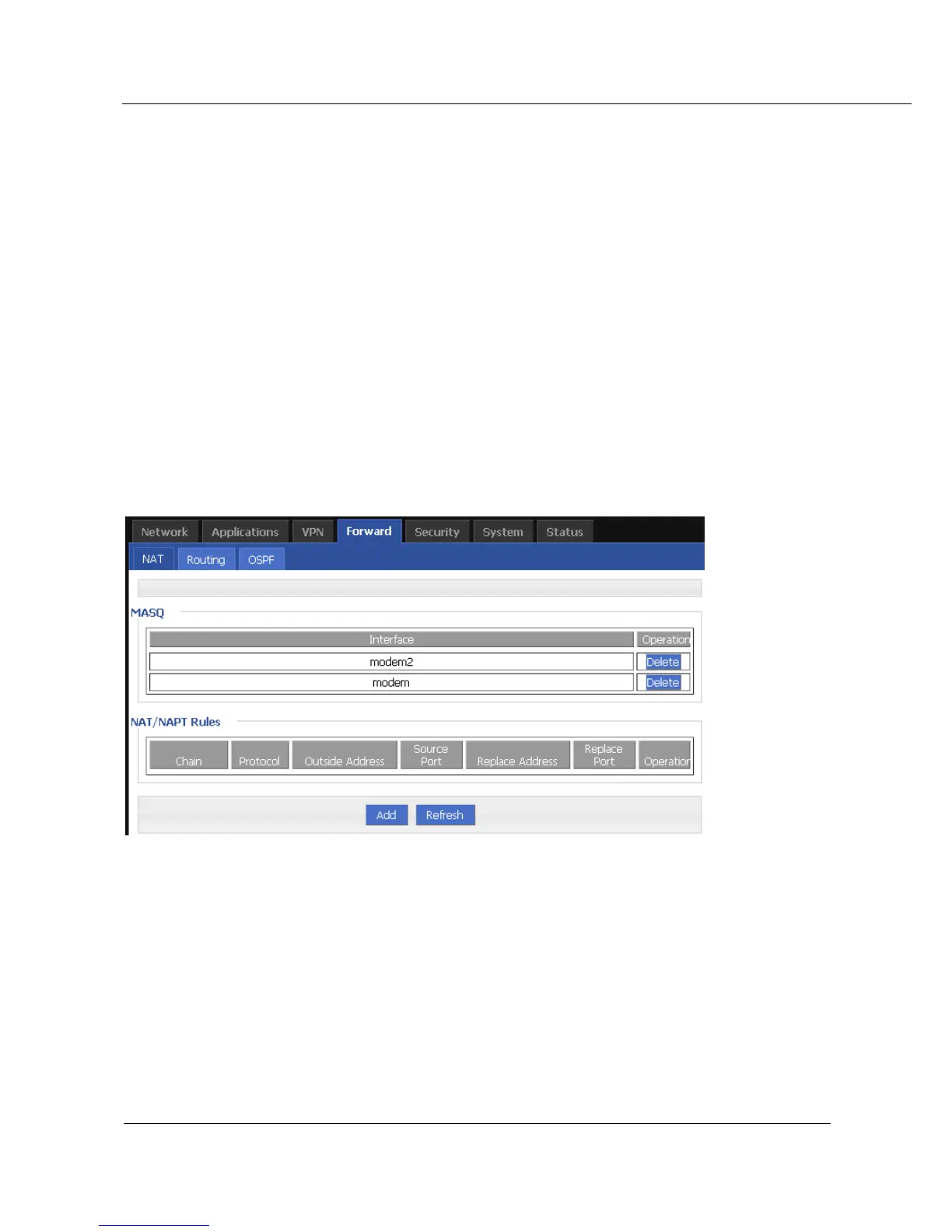
Step 2 Click “Forward > NAT” to open “NAT” tab.
Figure 5-30 NAT tab
Step 3 Click “Add” to add a new NAT rule.



 To Next Page