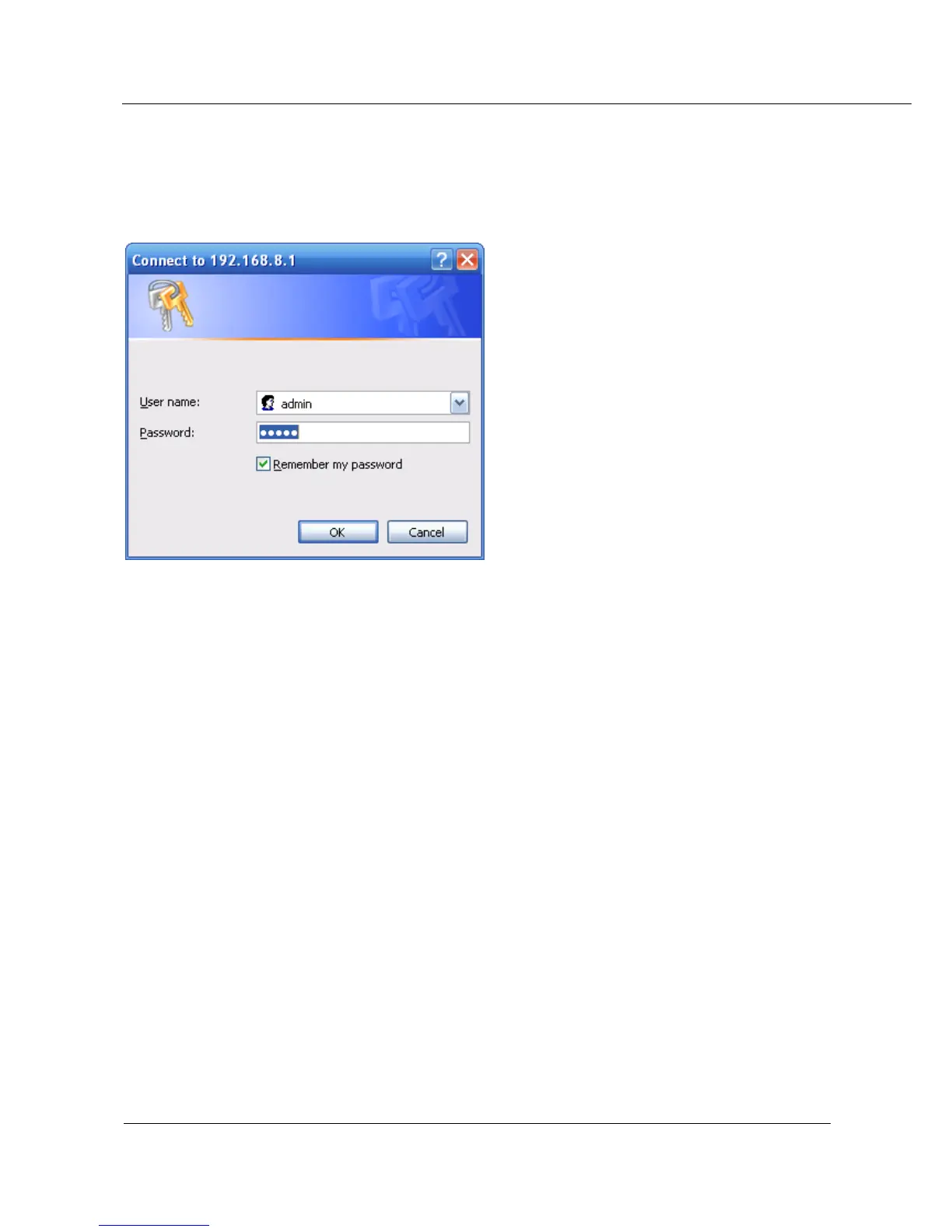
5.2.1 Login WEB GUI
Step 1 Run a Internet Explorer and visit “http://192.168.8.1/”, to enter identity page
Figure 5-1 User identity page
Step 2 User should use default user name and password when log in for the first time:
User name: admin
Password: admin
---END
5.2.2 Network config
Network connection config, including LAN, WAN, cellular network, Wi-Fi(optional), parameter switch, DHCP
setting.
LAN
LAN setting used to manage local area network PC which connect to S9922, make them could visit internet
and the network segment connectivity normal.
Step 1 Login S9922 WEB GUI
Step 2 Single click “Network > LAN”.



 To Next Page