S9922 3G/4G Router User Manual
RICON: Mobile Connect Tecnology
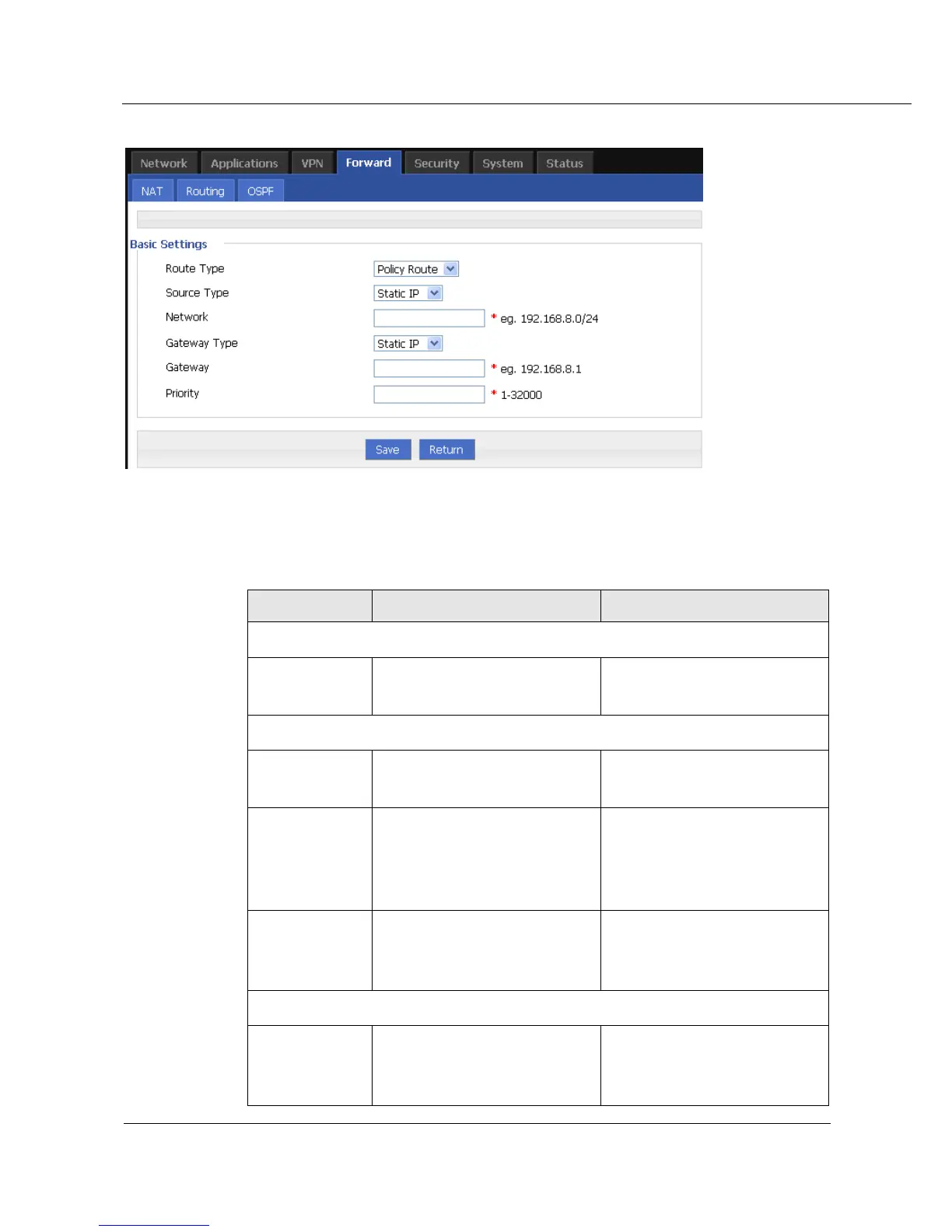
Figure 5-35 Policy routing configuration
Step 4 Configure routing parameter.
Table 5-21 Routing Parameter instruction
To select “static route” or
“policy route”.
When select “static route” for “Route Type”
To set destination adderss and
netmask of static route.
To set the gateway of static
route including:
Interface
Static IP
To set next hop IP address of
static route, or port address of
neighboring router.
To select from DropDownList
When choose “policy route” for “route type”
To set source address type of
policy route.
Static IP



 To Next Page