15. ‘Colours Group’ Detailed Explanation
Most display items’ can be changed to a custom colour to fit your individual preferences. The ‘Custom
Colours’ menu item is a global On/Off switch for whether the customised colours are used, where
customised, or if the entire system uses the default colour scheme.
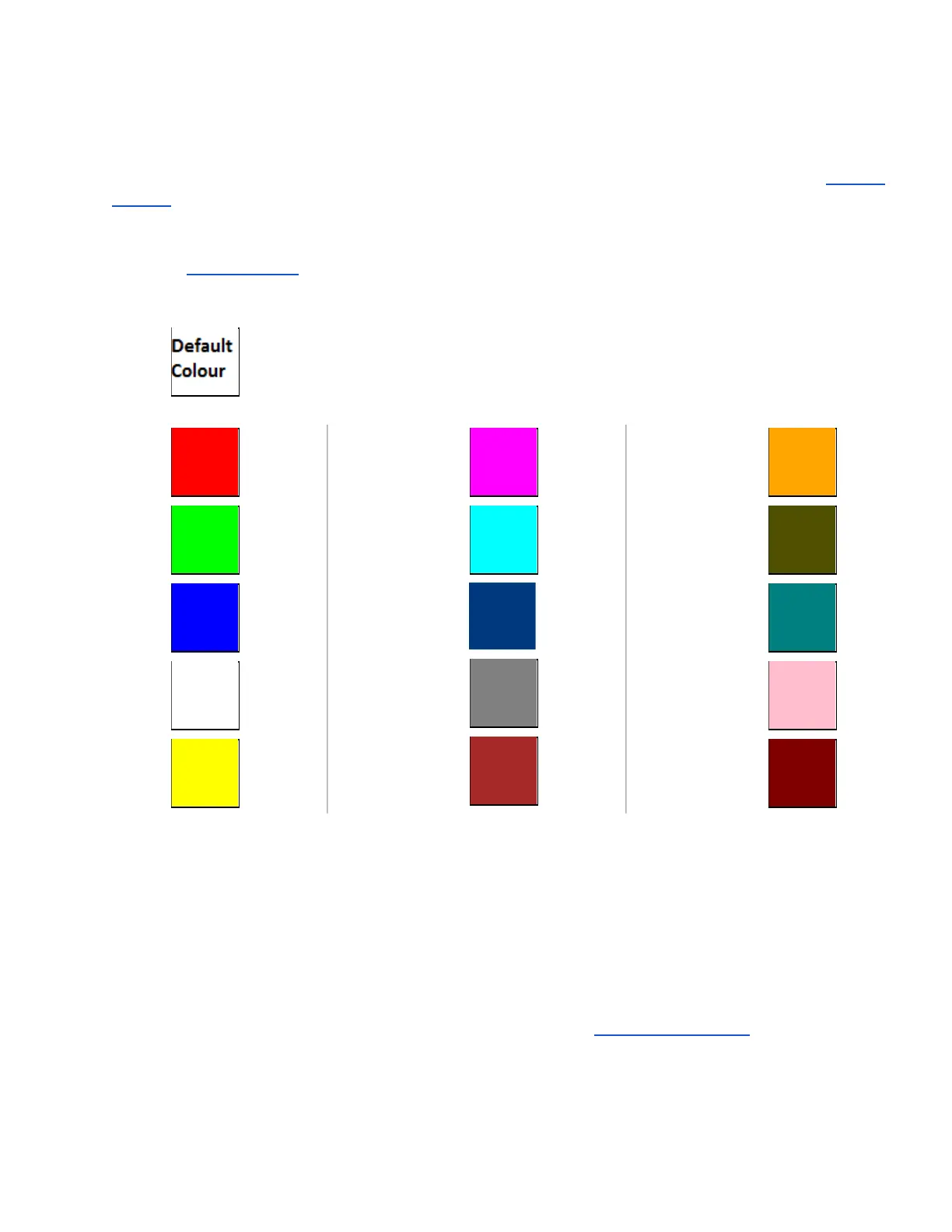
Each item in the ‘Colours Group’ can be individually adjusted to any of the following:
Default * (‘Default’ will show whatever colour the default value is for that particular option.)
MAGENTA
CYAN
DARK BLUE
GRAY
BROWN
ORANGE
OLIVE
TEAL
PINK
MAROON
Note:
Graph (V)
Graph (I)
Graph (W)
Graph (t°)
These selections are for the colours displayed in Graph Display mode.



 To Next Page