1) Ensure ‘Interface-USB’ is set to the desired baud rate.
(115200 is default for Flasher utility.)
In all cases:
2) Confirm the device ‘Address’.
3) Turn OFF the Primary Power Supply.
4) Ensure you have a USB cable connected from your computer to the micro-USB port on the front
of the RD60xx.
IF any difficulties are encountered, or existing
firmware is corrupted:
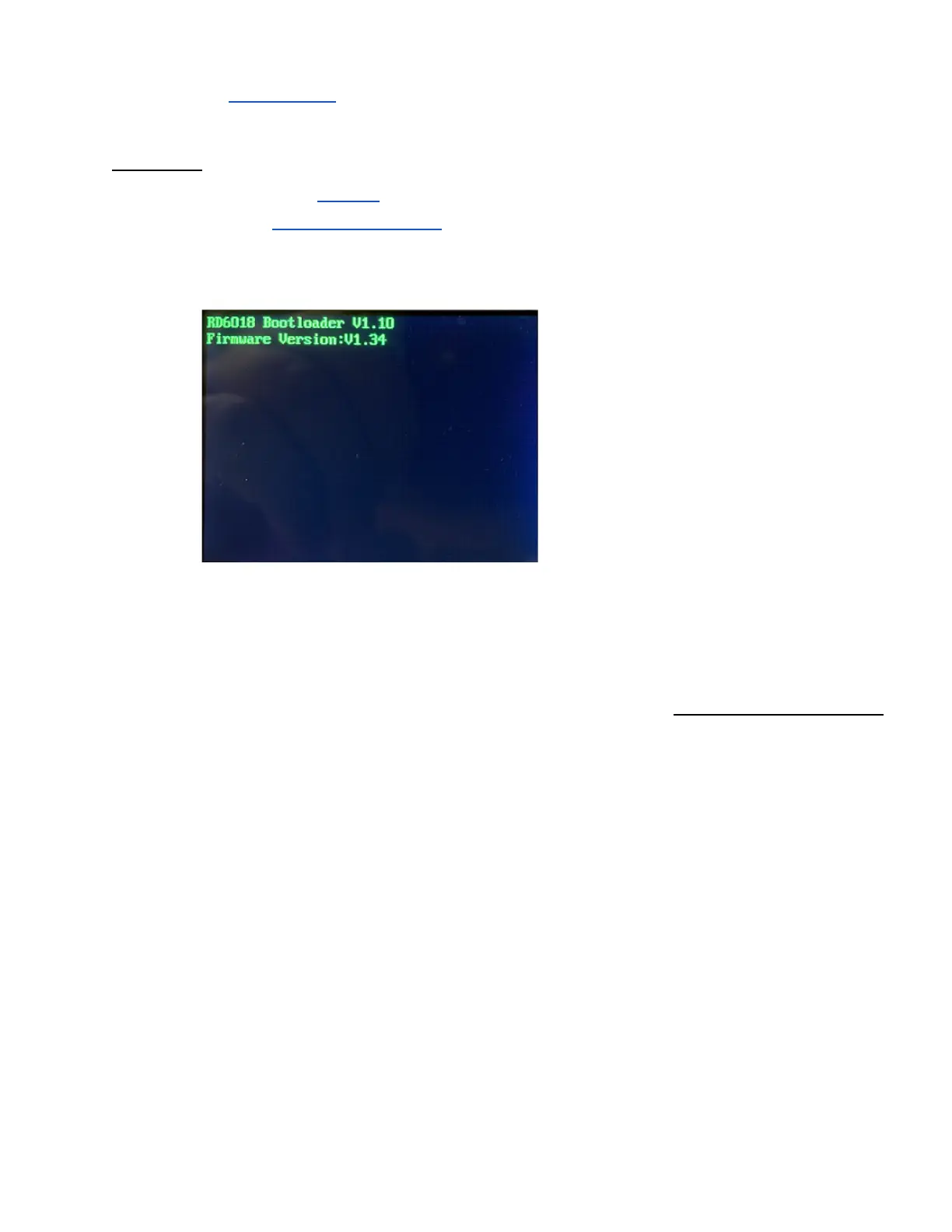
Press the “ENTER” button while turning
ON the Primary Power Supply.
(This will manually put the RD60xx
into ‘Boot’ Mode.)
6.2. If you use UniSoft's RDFlasher on Windows
1) In your computer’s file manager:
● Ensure the latest firmware .BIN file is in the ‘FIRMWARES’ sub-folder of the RDFlasher
utility.
○ If not, the Flasher will not be able to detect the file.
● Start ‘RDFLasher.exe’



 To Next Page