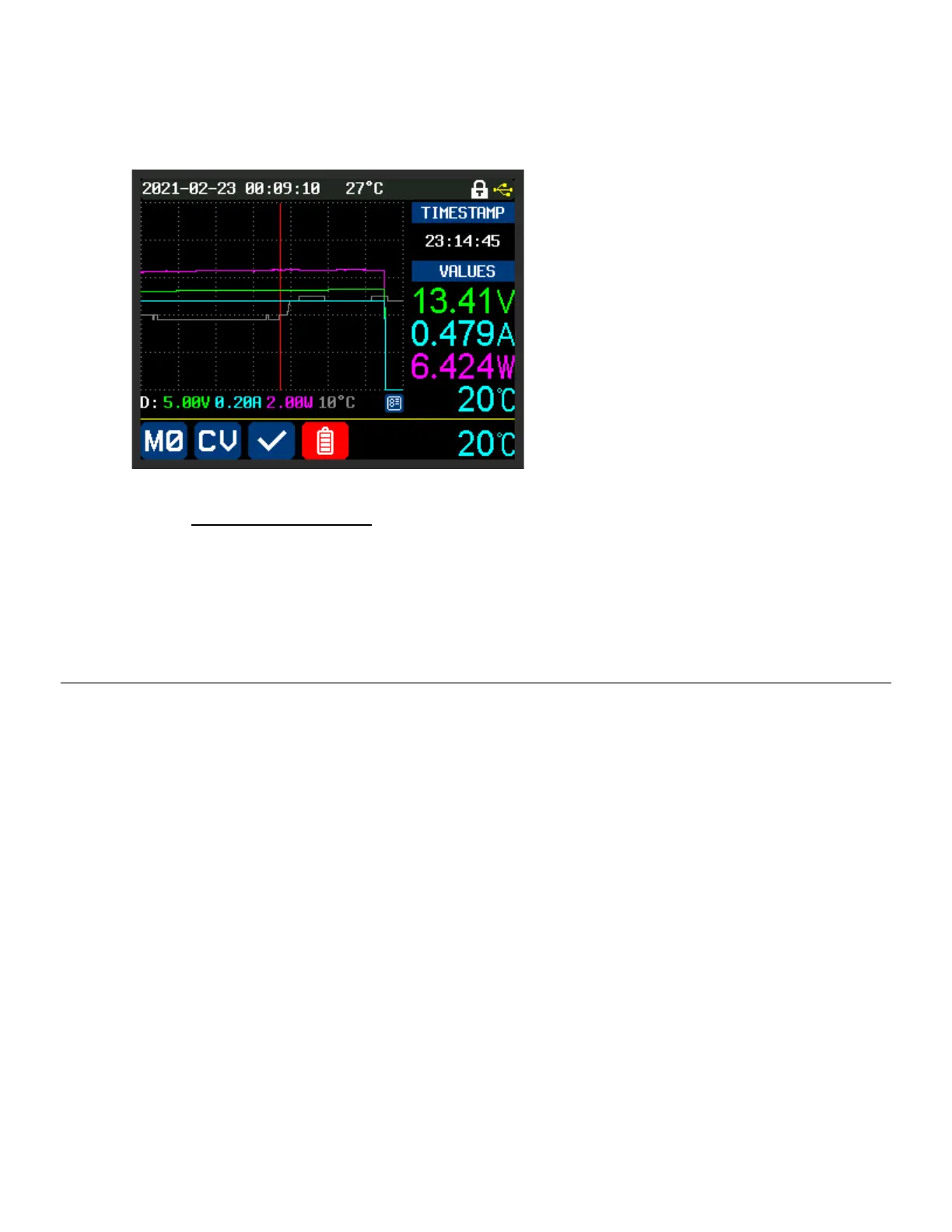
16.1. Graph (View) Mode
“MEM” + “ENTER”
In Graph (View) Mode, a vertical red
Indexing line appears on the graph (it starts
at the right margin) and can be moved left
and right with the “ENCODER” knob.
Pressing the “ENCODER” knob toggles
between coarse and fine adjustment of the
Indexing line position.
Where the Indexing line intersects the
(Voltage, Current, Wattage, and EXT
Temperature) graph lines, the values of
those lines are displayed on the right, along
with a timestamp that corresponds to the
x-axis position.
To Exit Graph (View) Mode, Press “ENTER”.
Note:
“ENTER” Does NOT pause/resume the graph while in View Mode



 To Next Page