声明:本说明书著作权归杭州睿登科技有限公司所有,未经允许任何单位或个人不得用于商业用途。
64
4.2.2 PC Software Operation Instruction
Choose the right communication port, baud rate, slave address (default 001),
click “CONNECT” to start communication. If the communication succeeds, the power
supply button will be locked automatically, the buttons will automatically unlock
after 3 seconds of accidental disconnection, and the “CONNECT” turns to
“DISCONNECT”; Click “ON” to turn on the output of the power supply, and it will
turn to “OFF”.
4.3 Functions Introduction
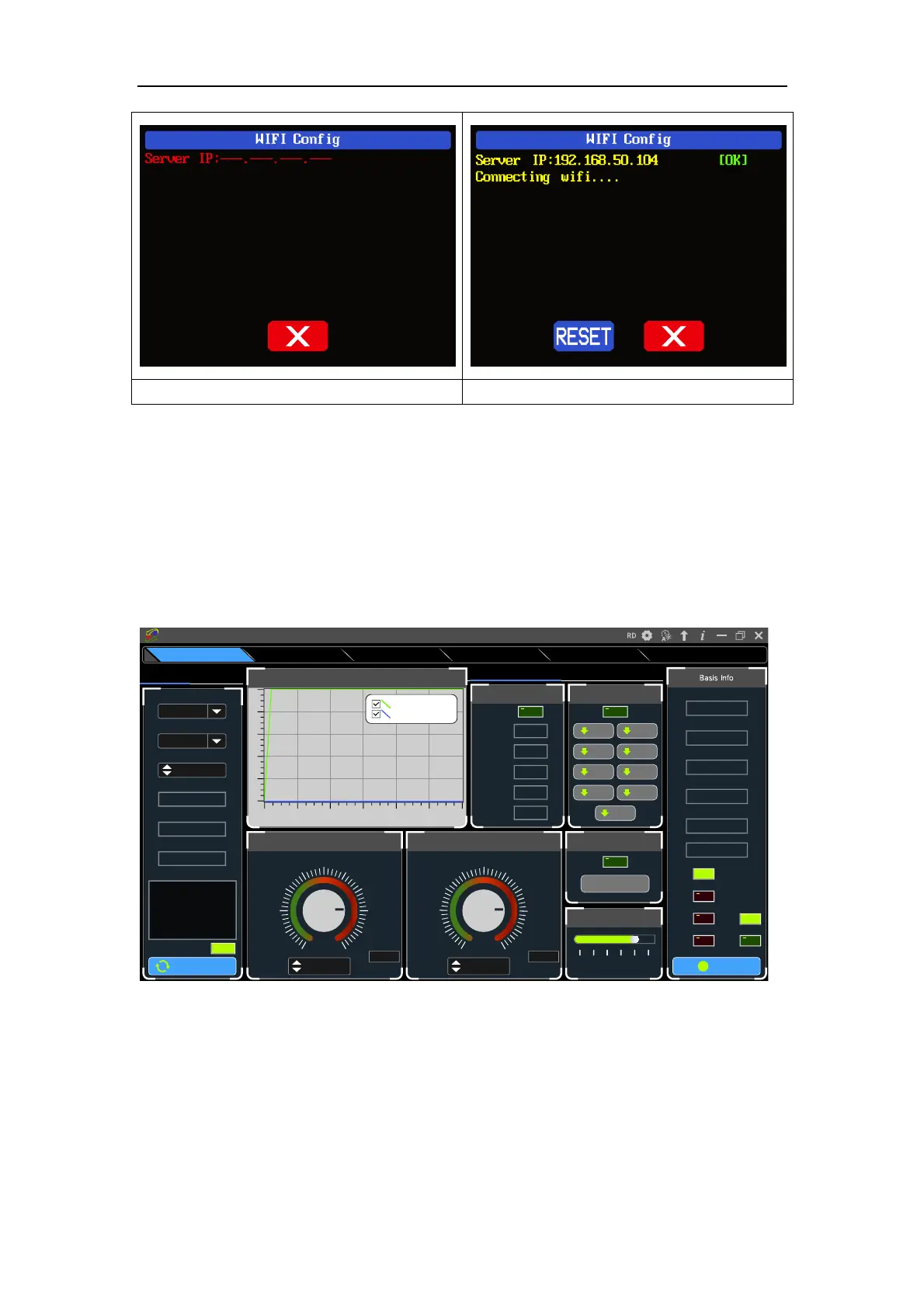
The PC software interface mainly has basic functions, firmware upgrade, Logo
upgrade, version update detection and language setting...
On
No rm al
O VP
OCP
O TP
CV
CC
5 4 .9 7 V
Inp u t Vo ltag e
4 9 .9 9 8 V
O utp ut Vo ltag e
0 .0 0 0 0 A
O utp ut C u ren t
0 0 .0 0 0 W
O utp ut Po w e r
25 °C
Sy stem T em p ertu re
077
°F
B acklight A djust
0 1 2 3 4 5
T im e S ynchronization
S ynchronize
I- S et
3 .0 5 0 0
3 .6 6 0 02 .4 4 0 0
4 .2 70 01.8 3 0 0
4 .8 8 0 01.2 2 0 0
5.4 9 0 00 .6 10 0
6 .10 0 00 .0 0 0 0
5.0 0 00
A
6.10 00
M ax
V - S et
3 0 .5 0 0
3 6 .6 0 02 4 .4 0 0
4 2 .70 018 .3 0 0
4 8 .8 0 012 .2 0 0
5 4 .9 0 06 .10 0
6 1.0 0 0
V
0 .0 0 0
5 0.0 00
V
61.0 00
M ax
C all O ut
D ata 9
D ata 8D ata 7
D ata 6D ata 5
D ata 4D ata 3
D ata 2D ata 1
Battery C harging
Wh00 0.0 00
O utp ut W h
Ah00 0.0 00O utp ut Ah
°F---
°C--
Te m pe rature
V00 .00Vo ltag e
U nc on ne cted
B attery C harging/Q uick C all O ut C a lib ra tio n
Re ad N um b er(N u m )
0 5 10 15 2 0 25 30
50
40
30
20
10
0
O utput V oltage A nd C urrent G raph
D o u b le dick to in itializ e
O utp ut Vo ltag e(V )
O utp ut C u rren t(A)
D isco n n ect
Key Lock
C O M 3
Po rt
115200
C om m unic atio n Ra te
001
Ad dre ss
0 0 0 0 0 0 -1
Se rial N um b er
R D 6 0 12 P
Pro du ct M o de l
V 1.3 8
Firm w a re V ers ion
N ow is n o rm al pa tte rn!
Info rm atio n
USB W iFi
Sta rtup Lo go U pd ateFirm w a re U p da teRS 48 5 M u lti C orres p on dAdvanced FunctionsBa sic F u n c tions
Riden Pow er Supply Softw are



 To Next Page