15
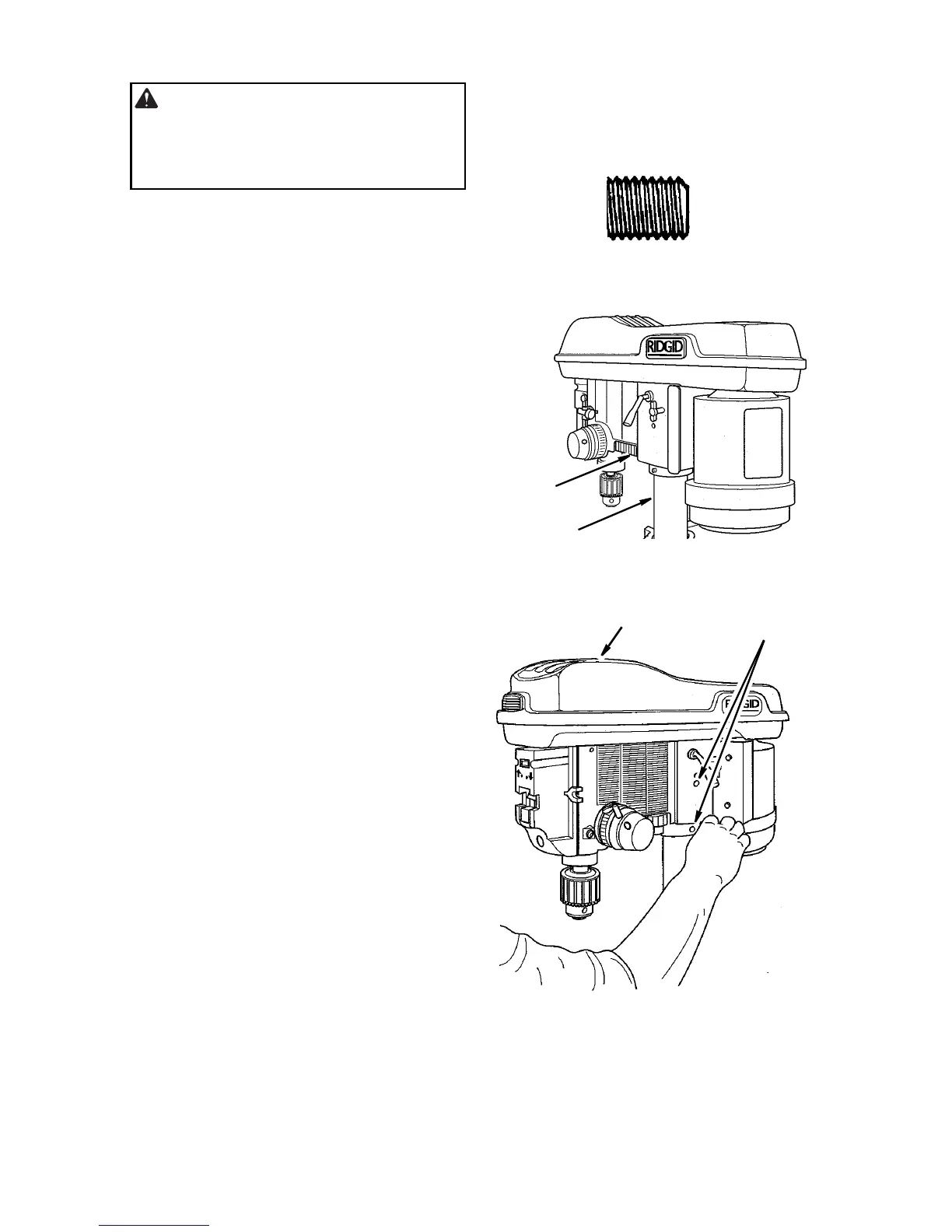
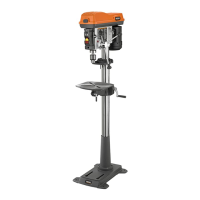
Installing the Head
CAUTION: The head assembly
weighs about 80 pounds. To reduce
the risk of back injury get help to lift
the head.
1. Locate (2) two 10mm dia. x 12mm long
set screws in loose parts bag.
2. Remove protective bag from head
assembly and discard. Carefully lift head
above column tube and slide it onto col-
umn making sure head slides down over
column as far as possible. Align head
with table and base.
3. Install a set screw in each hole (as indi-
cated) on the right side of the head, and
using a 5mm hex “L” wrench, tighten the
two head lock set screws.
10mm Dia. x 12mm
Set Screw
Head
Column
Head Lock
Set Screws
Head


 To Next Page