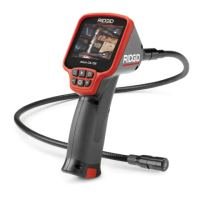
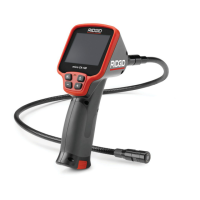
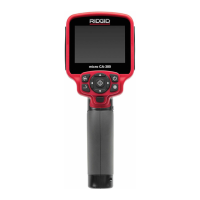
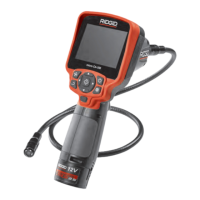
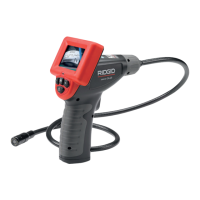
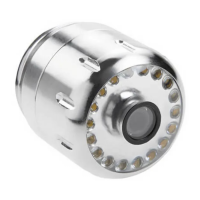
micro CA-300 Inspection Camera
13
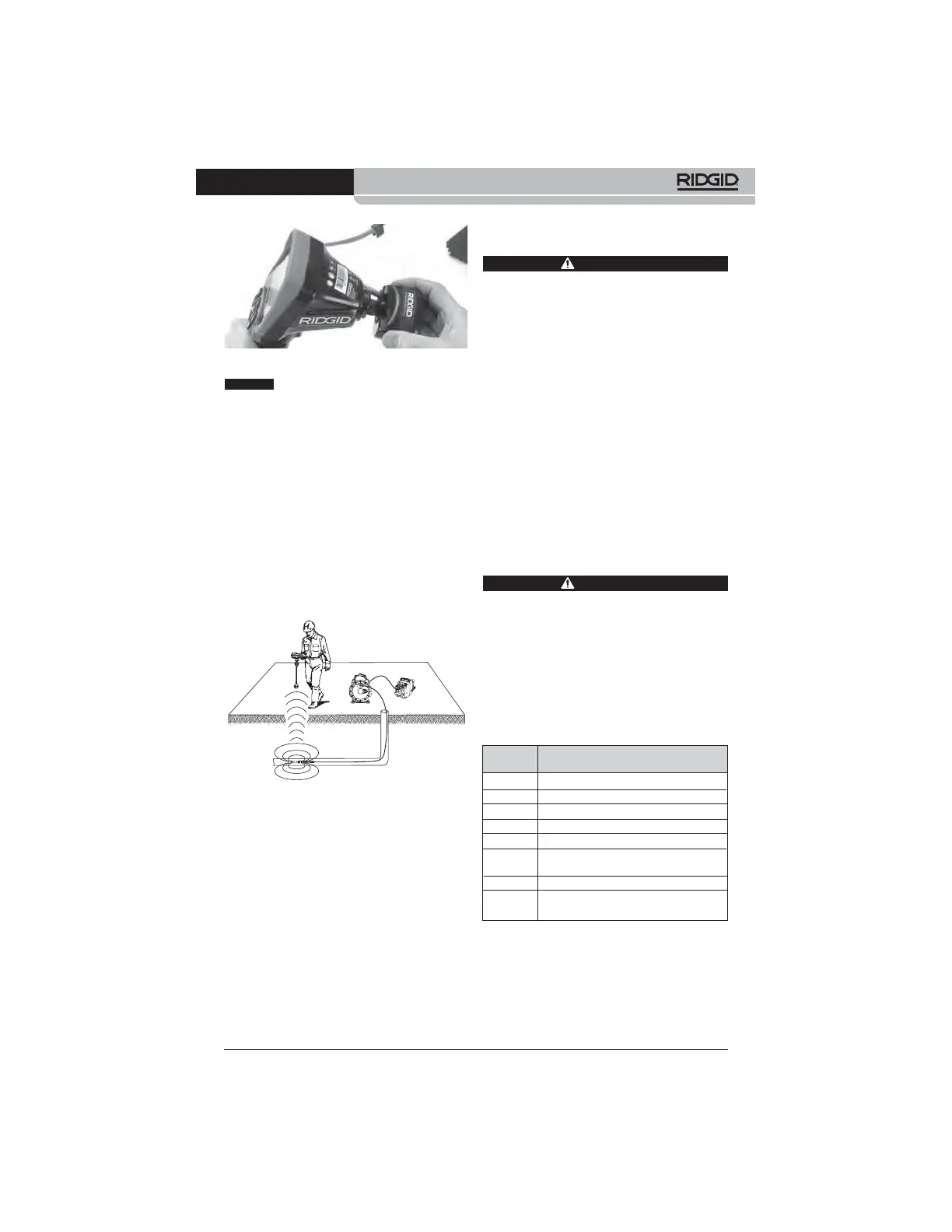
Figure 19 – Camera Connector Plug Installed
Do not twist the connector plug to
prevent damage.
Locating the Sonde
If used with a sonde (In-Line Transmitter), the
sonde can be controlled two ways. If the reel is
equipped with a sonde key, that can be used to
turn the sonde ON and OFF. Otherwise, the
sonde is turned ON by decreasing LED bright-
ness to zero. Once the Sonde has been lo-
cated, the LEDs can be returned to their nor-
mal brightness level to continue the inspection.
A RIDGID locator such as the SR-20, SR-60,
Scout
®
, or NaviTrack
®
II set to 512 Hz can be
used to locate features in the drain being in-
spected.
Figure 20 – Locating the Reel Sonde
To locate the Sonde, turn the locator ON and
set it to Sonde mode. Scan in the direction of
the Sonde's probable location until the locator
detects the Sonde. Once you have detected
the Sonde, use the locator indications to zero
in on its location precisely. For detailed in-
structions on Sonde locating, consult the Oper -
ator's Manual for the locator model you are
using.
Maintenance
WARNING
Remove battery before cleaning.
• Always clean the imager head and cable
after use with mild soap or mild detergent.
• Gently clean the display screen with a
clean dry cloth. Avoid rubbing too hard.
• Use only alcohol swabs to clean the cable
connections.
• Wipe the hand held display unit down with
a clean, dry cloth.
Reset Function
If the unit stops functioning and does not op-
erate, press the Reset Button
(under the left
side port cover – Figure 4).
The unit may re-
cover to normal operation when re started.
Accessories
WARNING
To reduce the risk of serious injury, only
use accessories specifically designed
and recommended for use with the
RIDGID micro CA-300 Inspection Camera
such as those listed below. Other Ac ces -
sories suitable for use with other tools
may be hazardous when used with the
micro CA-300 Inspection Camera.
Further information on accessories speci fic
to this tool can be found in the RIDGID
Catalog and online at www.RIDGID.com or
www.RIDGID.eu.
micro CA-300 Inspection Camera
Accessories
Catalog
No. Description
37108 3' (90 cm) Cable Extension
37113 6' (180 cm) Cable Extension
37103 Imager Head and Cable - 17 mm
37098 1m length 6mm diameter imager
37093 4m length 6mm diameter imager
37123 17mm Accessory Pack (Hook,
Magnet, Mirror)
40028 AC Adapter
40623 Headset Accessory with
Microphone
NOTICE


 To Next Page