EasyManua.ls Logo

RIDGID R4251 - User Manual

RIDGID R4251
36 pages
Print Icon
To Next Page IconTo Next Page
Loading...
1
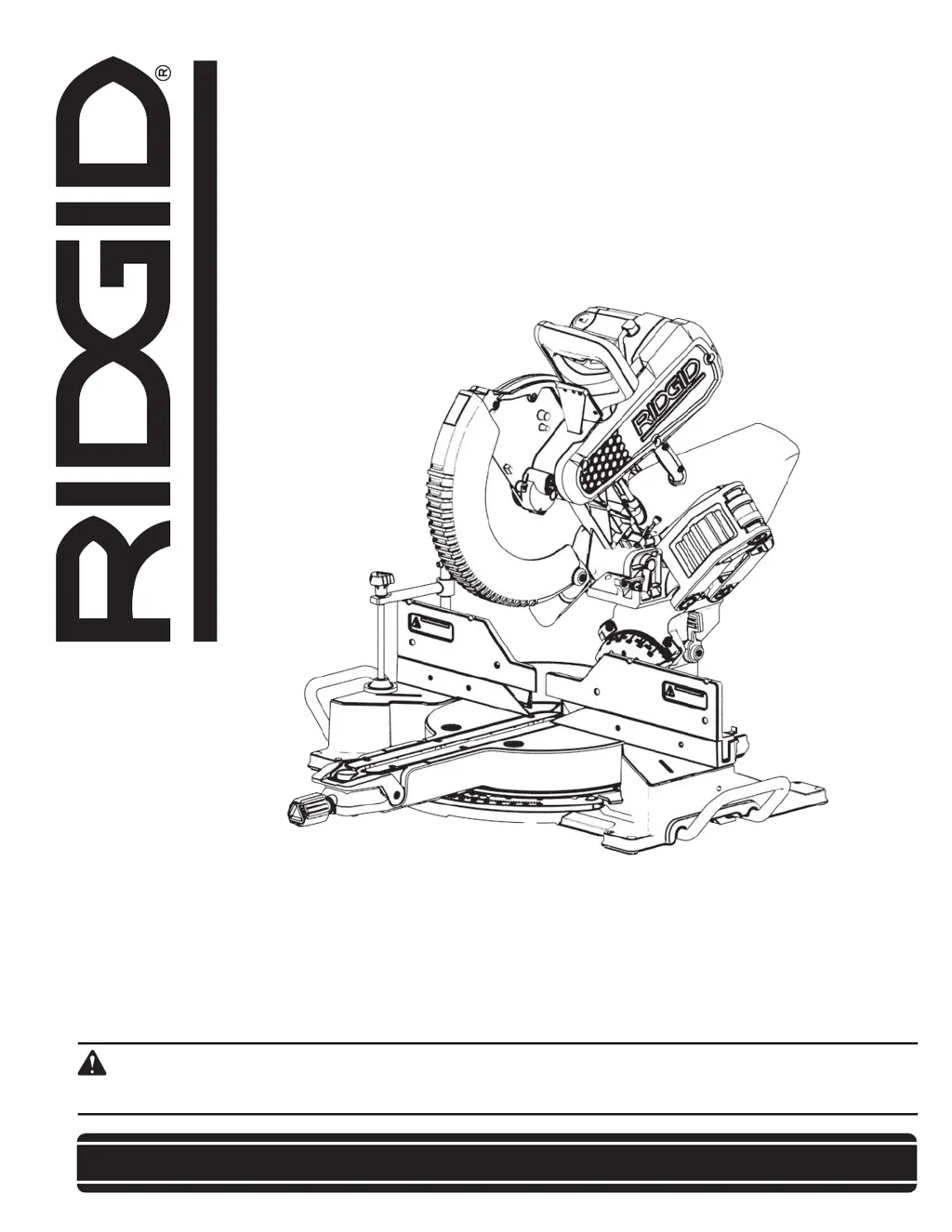
OPERATOR’S MANUAL
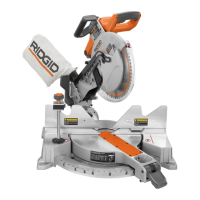
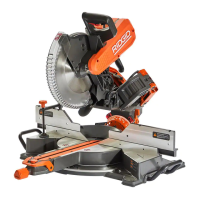
12 inch Sliding Compound Miter Saw
R4251
Your saw has been engineered and manufactured to our high standard for dependability, ease of operation, and operator
safety. When properly cared for, it will give you years of rugged, trouble-free performance.
WARNING:
To reduce the risk of injury, the user must read and understand the operators manual before using this product.
SAVE THIS MANUAL FOR FUTURE REFERENCE

Questions and Answers

  • B
    Breanna KelleyJul 28, 2025
    What to do if my RIDGID R4251 will not start?
    • M
      Mark JonesJul 29, 2025
      If your RIDGID Saw isn't starting, here are a few things to check: * Ensure the saw is properly plugged in. * Check for a blown fuse or tripped circuit breaker and replace or reset it. * If the power cord is damaged, contact an authorized service center to have it replaced. * If the brushes are worn, contact an authorized service center to replace them, or replace them yourself.
  • A
    April HowardAug 3, 2025
    Why are miter cuts not accurate on my RIDGID R4251 Saw?
    • J
      Jeff JamesAug 3, 2025
      If your RIDGID Saw's miter cuts are not accurate, consider the following: * Check and adjust the miter scale to ensure it's reading correctly. * Ensure the blade is square to the fence and adjust if necessary. * Verify the blade is perpendicular to the table and make adjustments if needed. * Make sure the workpiece is securely clamped to the fence to prevent movement during operation.
  • R
    Robert CoxAug 10, 2025
    Why does my RIDGID R4251 make poor cuts?
    • S
      Steven BrennanAug 10, 2025
      If your RIDGID Saw is producing poor cuts, it might be due to: * A dull saw blade - replace the blade. * Improper blade mounting - correct the blade fitment. * Residue on the blade - remove and clean the blade. * The wrong type of blade - change the blade to the correct one.
  • J
    Jacqueline HickmanAug 15, 2025
    What to do if my RIDGID R4251 has excessive vibration?
    • S
      sotodavidAug 15, 2025
      Excessive vibration in your RIDGID Saw could be due to: * The saw not being securely mounted to its stand or workbench - tighten all mounting hardware. * The miter saw stand or workbench being on an uneven floor - reposition it on a level surface. * A damaged saw blade - replace the blade.
  • M
    Manuel PerryAug 21, 2025
    Why is the blade not getting up to speed on my RIDGID R4251 Saw?
    • T
      tanya33Aug 21, 2025
      If the blade on your RIDGID Saw isn't getting up to speed, it could be due to: * An extension cord that is too small in gauge or too long - replace it with the correct cord size. * Low current rating from the power source - contact your electric company.

Summary

RIDGID Miter Saw Features and Specifications

Product Specifications

Details dimensions, capacity, electrical requirements, and blade specifications for the saw.

Know Your Compound Miter Saw Components

Identifies and describes each part of the miter saw for user familiarity and operation.

Important Safety Instructions

Safety Logos Explained

Explains the meaning of safety symbols used in the manual and on the tool.

General Power Tool Safety Warnings

Safety Instructions for Miter Saws

Proposition 65 Warning

Lists chemicals known to cause cancer or reproductive harm in California.

Power Connections and Electrical Safety

Double Insulation Feature

Explains the double insulation feature for enhanced user safety.

Electrical Connection Guidelines

Provides guidelines for connecting the tool to a power supply.

Polarized Plug Usage

Details the polarized plug and its use for safe electrical connection.

Extension Cord Recommendations

Offers guidance on selecting and using appropriate extension cords.

Unpacking and Contents Verification

Removing Contents from Packaging

Instructions for safely removing the saw and its parts from the shipping carton.

Packaged Contents List

Lists all items included in the saw's packaging for verification.

Assembly Procedures

Tools Needed for Assembly

Lists the tools required for assembling the miter saw.

Work Clamp Installation

Details the installation and function of the workpiece clamp.

Dust Bag Attachment

Explains how to attach and use the dust collection bag.

Dust Port Attachment

Describes connecting a vacuum hose for dust removal.

Install and Remove Blade

Step-by-step guide for safely changing the saw blade.

Adjustments and Calibration

Align Blade to Table

Instructions for calibrating the blade to be square with the table.

Align Blade to Fence

Procedures for ensuring the blade is perpendicular to the fence.

Depth Stop Adjustment

How to set the depth stop for non-through cuts.

Fence Extension Adjustment

Guide to adjusting the sliding fence for workpiece support.

Bevel Lock Tension Adjustment

How to adjust the tension for the bevel lock handle.

Slide Resistance Adjustment

Instructions for adjusting the friction of the saw head's sliding movement.

Miter Lock Adjustment

Procedures for tightening the miter lock mechanism.

Throat Plate Replacement

Instructions for replacing the throat plate.

Mounting and Transportation

Preparations for Transportation

Steps to secure the saw for safe transport.

Mounting Saw to Stable Surface

Guide to securely attaching the saw to a workbench.

Installing Workpiece Support Extensions

How to attach extensions for supporting longer workpieces.

Operation Guide

Cutting Warped Material

Advice on positioning warped workpieces for safe cutting.

Clamping Wide Workpieces

Method for securing large workpieces using a clamp.

Supporting Long Workpieces

Techniques for supporting long workpieces beyond the table's capacity.

Power Switch Lock

How to use the lockout feature for safety.

Shadow Line Cutting Guide

Instructions for activating the shadow line cutting guide.

Non-Sliding Cuts

Procedure for making standard crosscuts without using the sliding feature.

Miter Cuts

Steps for setting miter angles for angled cuts.

Bevel Cuts

Instructions for setting bevel angles for angled cuts.

Compound Miter Cuts

Guide to performing cuts with both miter and bevel angles.

Slide Cuts

Detailed instructions for performing cuts using the sliding function.

Tips for Cutting Crown Molding

Specific guidance for cutting crown molding accurately.

Auxiliary Fence Usage

How to attach and use an auxiliary fence for larger workpieces.

Expand Worktable Area

Instructions for configuring the saw for larger capacity cuts.

Maintenance and Care

Keep Machine Clean

Advice on cleaning the saw and its air passages.

General Maintenance Tips

General care and cleaning instructions for plastic parts.

Brush Replacement Procedure

Steps for checking and replacing motor brushes.

Troubleshooting Common Issues

Failure to Start

Common causes and solutions for the saw not starting.

Available Accessories

Information on available accessories and safety warnings.

Parts, Service, and Warranty Assistance

5 Year Limited Service Warranty

Details the terms and coverage of the product's warranty.

How to Obtain Service

Instructions on how to get service or contact customer support.

RIDGID R4251 Specifications

General IconGeneral
BrandRIDGID
ModelR4251
CategorySaw
LanguageEnglish

Related product manuals