EasyManua.ls Logo

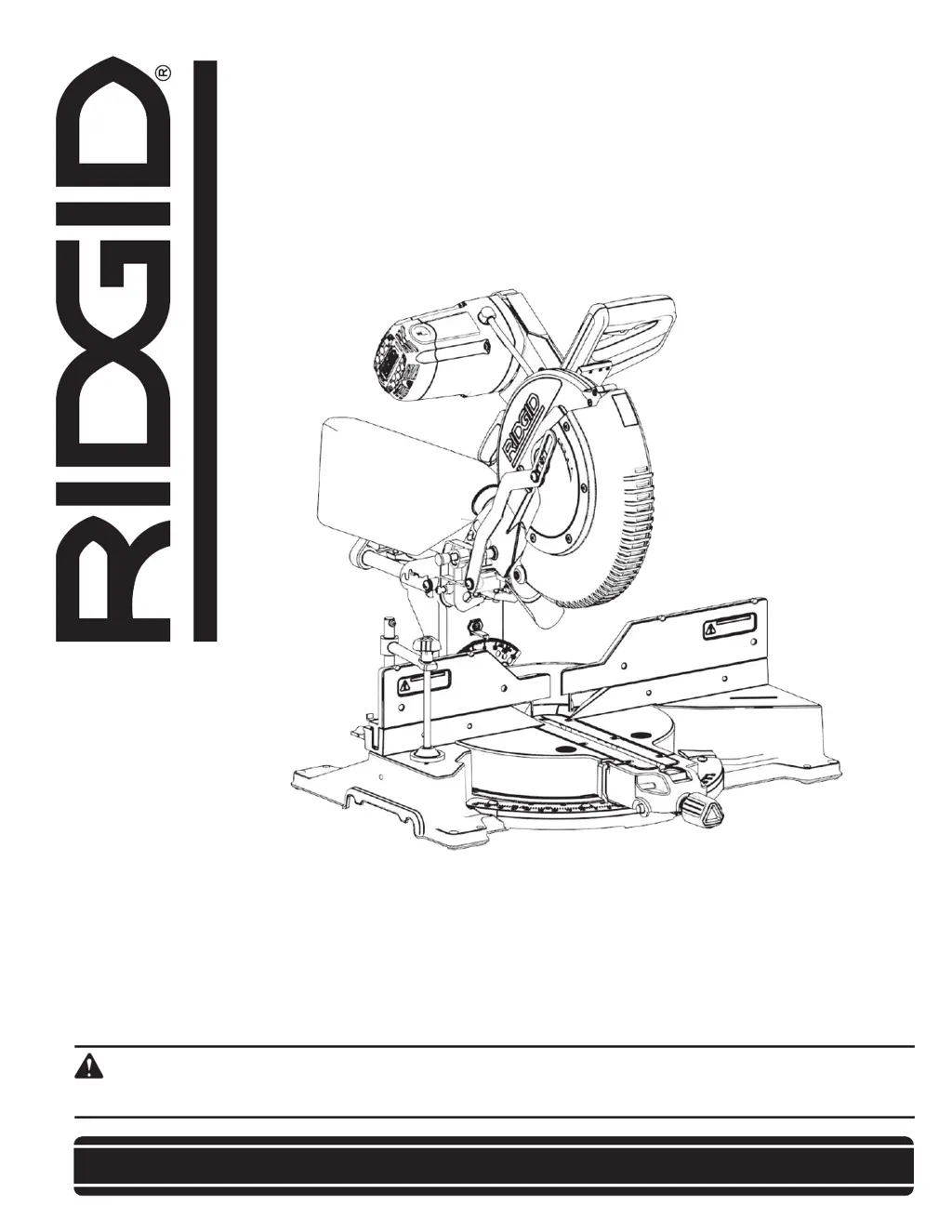
RIDGID R4231 - User Manual

RIDGID R4231
36 pages
Print Icon
To Next Page IconTo Next Page
Loading...
OPERATOR’S MANUAL
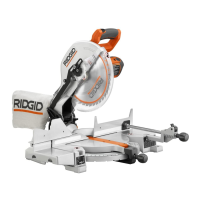
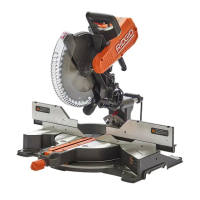
12 inch Max Reach Miter Saw
R4231
Your saw has been engineered and manufactured to our high standard for dependability, ease of operation, and operator
safety. When properly cared for, it will give you years of rugged, trouble-free performance.
WARNING:
To reduce the risk of injury, the user must read and understand the operators manual before using this product.
SAVE THIS MANUAL FOR FUTURE REFERENCE

Questions and Answers

  • J
    jacobhansonJul 29, 2025
    How to fix inaccurate miter cuts on RIDGID Saw?
    • L
      lbrownJul 29, 2025
      Inaccurate miter cuts on your RIDGID Saw can be caused by: * The miter scale not reading correctly. Check and adjust it. * The blade not being square to the fence. Check and adjust the blade's squareness. * The blade not being perpendicular to the table. Check and adjust the blade's perpendicularity. * The workpiece moving during operation. Clamp the workpiece securely to the fence.
  • K
    Kelli CastroAug 3, 2025
    What to do if my RIDGID R4231 will not start?
    • S
      Steven CummingsAug 3, 2025
      If your RIDGID Saw won't start, there are several potential causes: * The saw might not be plugged in. Ensure the saw is properly plugged into a working outlet. * A fuse may be blown, or a circuit breaker tripped. Replace the fuse or reset the circuit breaker. * The power cord could be damaged. In this case you should contact local authorized Service Center to have cord replaced. * The brushes may be worn out. Contact local authorized Service Center to have brushes replaced if you cannot replace them yourself.
  • R
    robrienAug 10, 2025
    Why does my RIDGID R4231 have excessive vibration?
    • P
      Pamela JonesAug 10, 2025
      Excessive vibration in your RIDGID Saw can stem from a few reasons: * The saw might not be securely mounted to its stand or workbench. Make sure to tighten all mounting hardware. * The miter saw stand or workbench could be on an uneven floor. Reposition the setup on a level surface. * The saw blade may be damaged. Replace the blade.
  • R
    rodriguezjonathanAug 15, 2025
    Why does my RIDGID R4231 make poor cuts?
    • A
      Ashlee HillAug 15, 2025
      Poor cuts from your RIDGID Saw can be attributed to: * A dull saw blade. Replace the blade. * The blade not being mounted properly. Correct the blade fitment. * Residue on the blade. Remove and clean the blade. * An incorrect type of blade installed. Change the blade to the appropriate type.
  • R
    rachel84Aug 21, 2025
    Why is my RIDGID R4231 blade not getting up to speed?
    • T
      toddmarcusAug 21, 2025
      If the blade on your RIDGID Saw isn't reaching full speed, consider these factors: * The extension cord may be too small in gauge or too long. Replace it with a correct size extension cord. * There might be a low current rating from the power source. Contact your electric company to investigate.

Summary

IMPORTANT SAFETY INSTRUCTIONS

Safety Logos and Symbols

Explanation of symbols used in the manual to indicate potential hazards and safety precautions.

GENERAL POWER TOOL SAFETY WARNINGS

Miter Saw Specific Safety Instructions

Specific safety guidelines and precautions for operating miter saws.

ASSEMBLY

Blade Installation and Removal

Step-by-step guide for safely installing and removing the saw blade.

ADJUSTMENTS

Blade Alignment and Calibration Procedures

Instructions for aligning the blade to the table and fence for accurate cuts.

Mounting and Transportation

OPERATION

General Operation and Safety Guidelines

Essential safety warnings and general guidelines before operating the miter saw.

MAINTENANCE

TROUBLESHOOTING

Troubleshooting Common Issues

Solutions for common problems like the saw not starting or making poor cuts.

RIDGID R4231 Specifications

General IconGeneral
Variable SpeedNo
Bevel Capacity0-45 degrees
Weight4.5 lbs
Electric BrakeYes
Spindle LockYes
Amperage15 Amp

Related product manuals