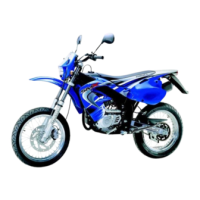
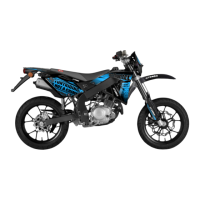
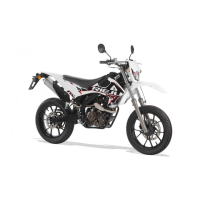
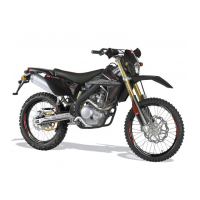
…for everyday adventure
MX
10
COMPLETE ASSEMBLY
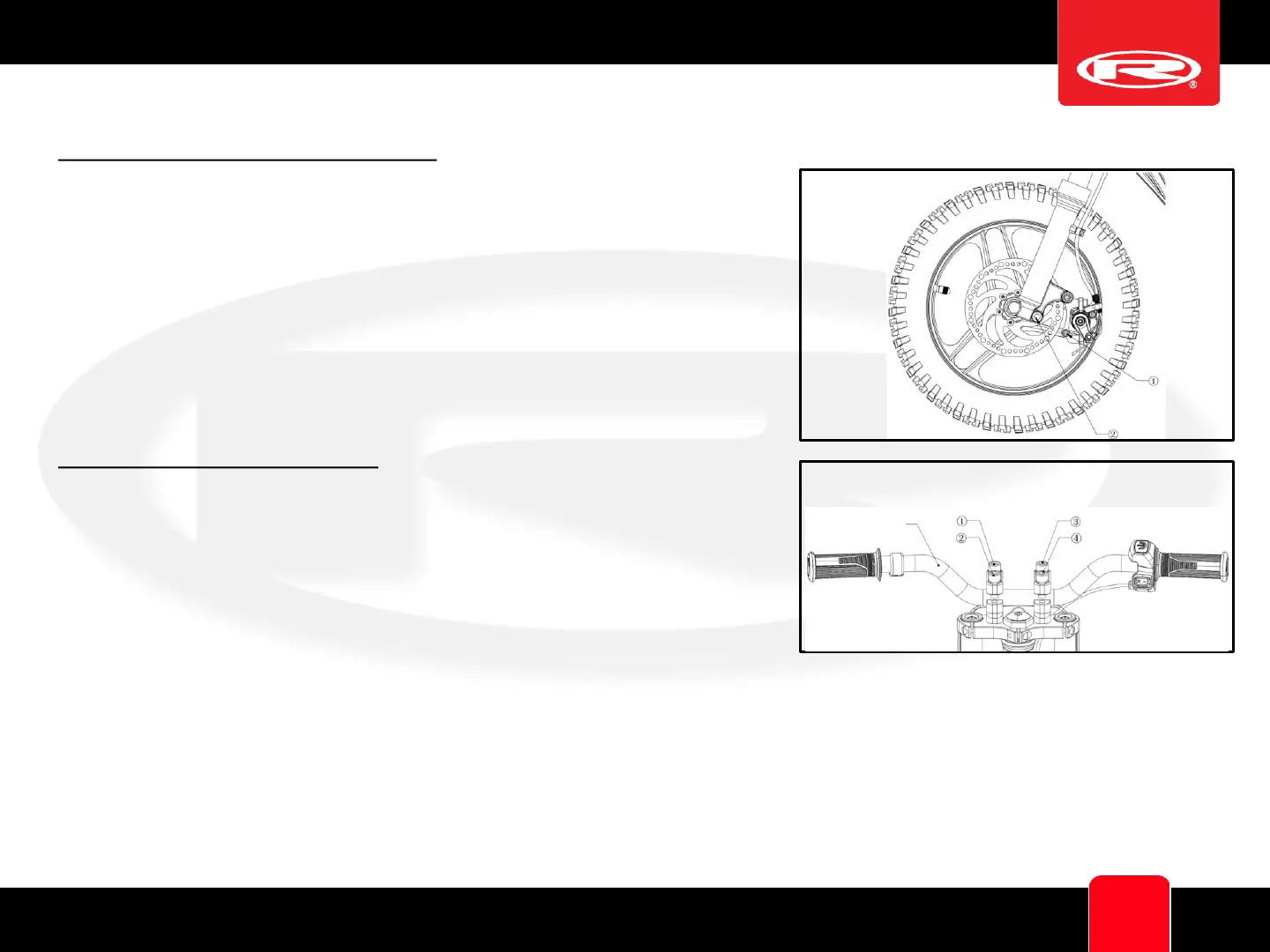
Front Disc Brake Installation Diagram
Remove the disc brake mounting screw from position ①. Rotate the disc
brake to position ② and align the center hole. The disc brake caliper
should align with the disc on the front wheel. Use the mounting screws
to tighten the disc brake (8-10 Nm).
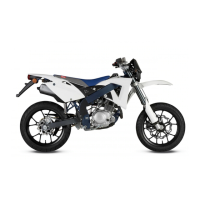
Handlebar Installation Diagram
Use a tool to remove the four screws from the handlebar stem.
Install the handlebar as shown in the diagram. Adjust the handlebar
angle to a comfortable position. Use a tool to tighten the four screws
on the handlebar stem (10-12 Nm), ensuring the gap between the
handlebar stem and the lower stem is even.
Bar


 To Next Page