73
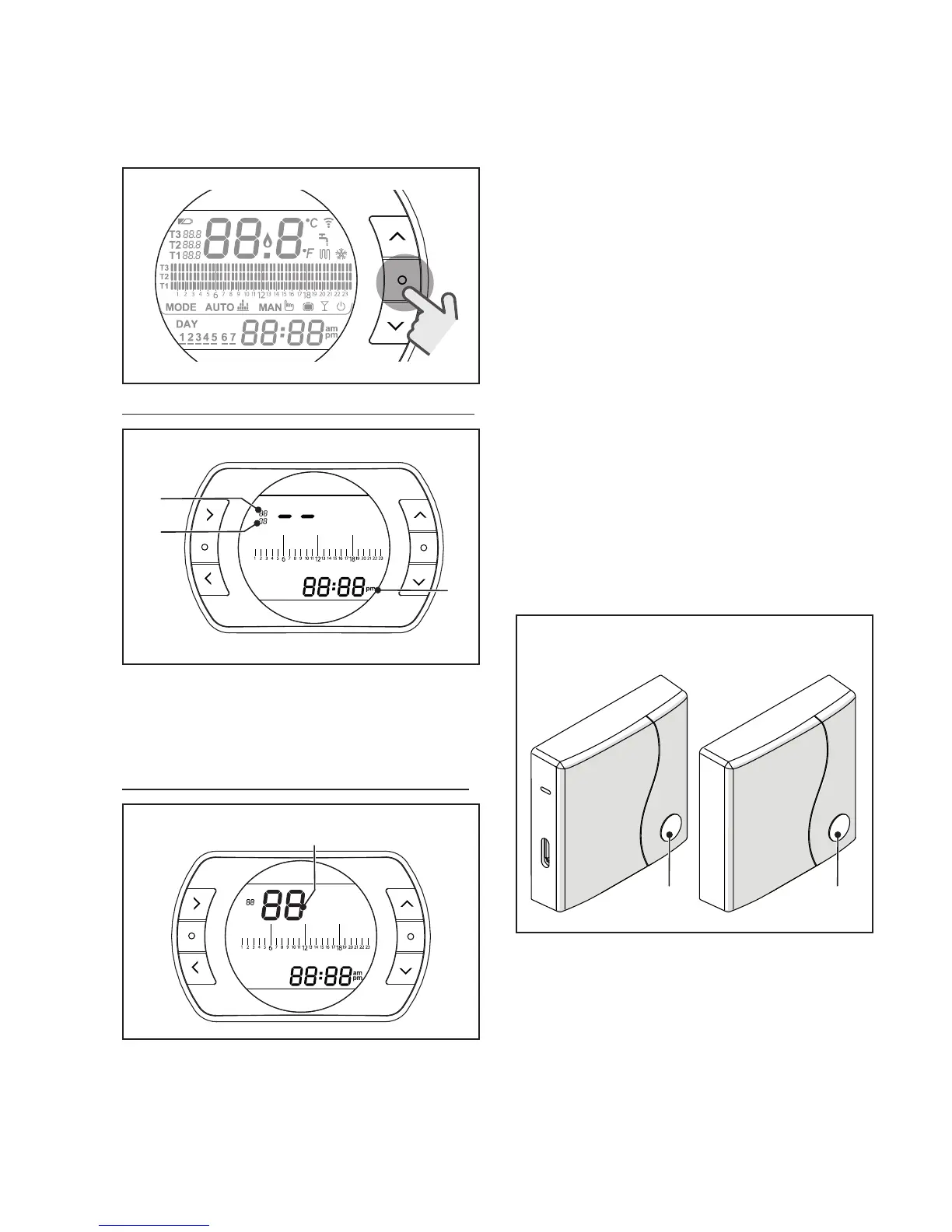
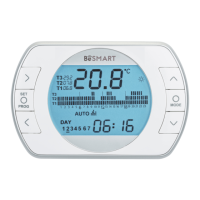
From the BeSMART HOME screen,
press the ESC/MODE button and
hold for 5 seconds to display the fol-
lowing (alternating) information.
ESC
MODE
EXAMPLE OF LINKED BESMART
SET
PROG
RESET
ESC
MODE
1
2
3
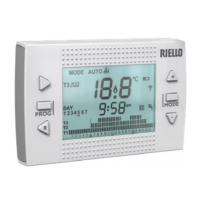
1 Radio frequency channel
2
Receiver (WiFi Box) number
3
Radio frequency addr
ess
EXAMPLE OF LINKED B
ESMAR
T
SET
PROG
RESET
ESC
MODE
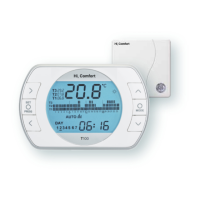
4 Transmitter number (BeSMART)
To complete the link, press the
SET/PROGRAM button or wait for
BeSMART to return to the HOME
screen.
9
This may take up to 2 minutes,
after which the BeSMART
automatically returns to the
HOME screen.
Should the link not be successful,
please contact the Authorised Ser-
vice Centre.
Linking the boiler RF receiver to
the WiFi Box
If installing a boiler RF receiver,
please follow the procedure below.
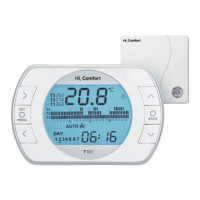
Press the prismatic dome clear LED
button (A) on the WiFi Box and hold
for 5 seconds until the green and red
LEDs
slow flash
at the same time
(1
sec)
.
Press and hold again for 5 seconds
until the green and red LEDs mo-
mentarily switch off and then flash
slowly (every 2 seconds).
WiFi Box
Boiler RF
receiver
Press the prismatic dome clear LED
button (B) on the boiler RF receiver
and hold for 5 seconds.
The green and red LEDs of the WiFi
Box flash quickly (0.5 sec) and at the
same time to indicate the successful
connection.
Press the button on the WiFi Box
again to confirm.


 To Next Page