74
The boiler RF receiver auto-config-
ures to normal operating mode.
9
The light indicators on the boi-
ler RF receivers could differ
from what is indicated in sec-
tion "4 Alarms and operating
statuses" to page 75
9
This may take up to 2 minutes,
after which the BeSMART
automatically returns to the
HOME screen.
Should the link not be successful,
please contact the Authorised Ser-
vice Centre.
Linking the boiler RF receiver to
the BeSMART
The BeSMART programmable
thermostat can be linked to a wire-
less receiver if you want to replicate
the r
elay functionality on the ther-
mostat in a r
emote zone (e.g. zone
valve), which is not accessible with
a cable (wir
eless access).
Follow the procedure below to link
them:
Press the prismatic dome clear
LED button on the boiler RF receiv-
er and hold for 5 seconds until the
gr
een and r
ed LEDs
slow flash
(1
seconds) at the same time (once
linked the flash returns to normal).
9
The light indicators on the boi-
ler RF receivers could differ
from what is indicated in sec-
tion "4 Alarms and operating
statuses" to page 75
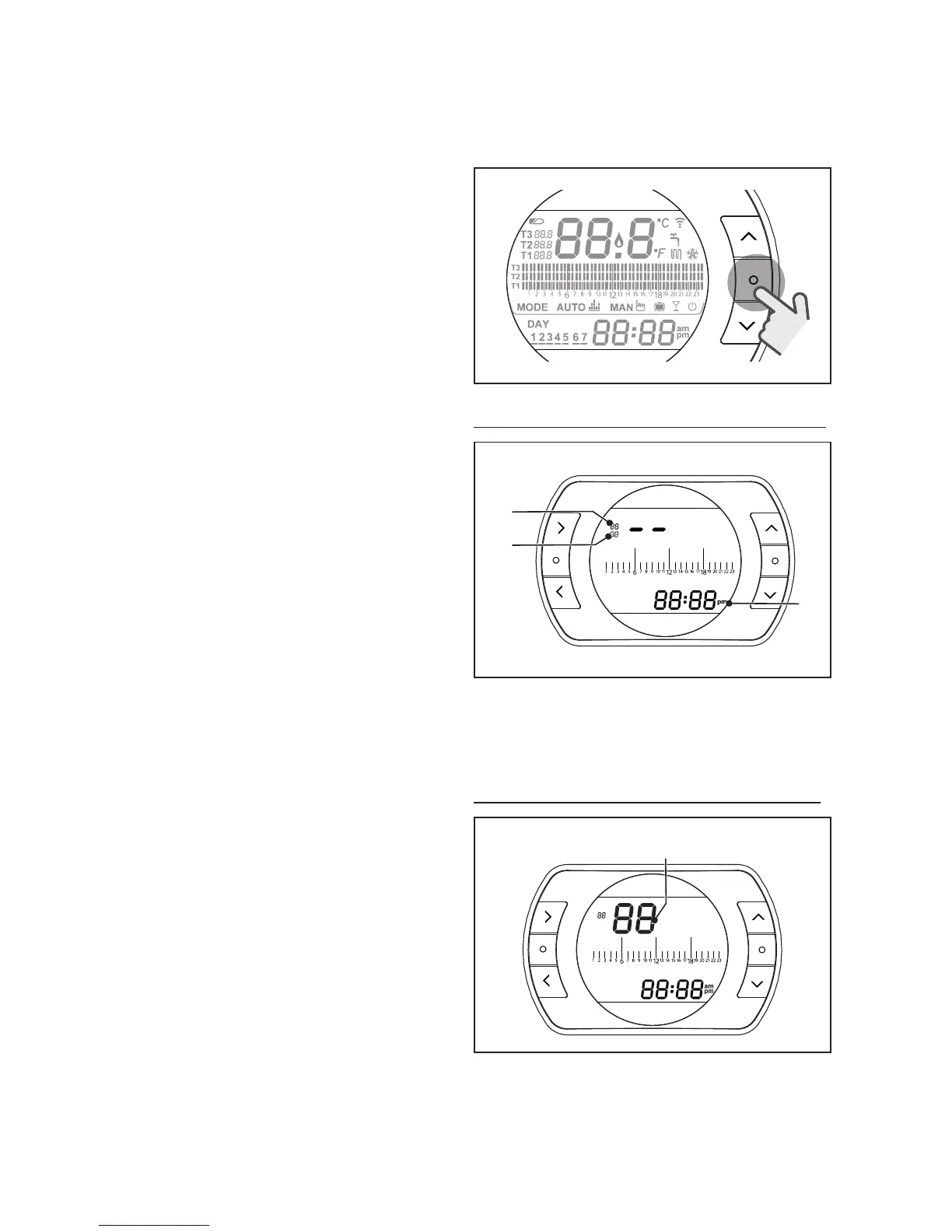
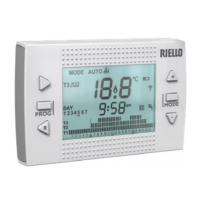
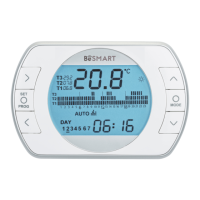
From the BeSMART HOME screen,
press the ESC/MODE button and
hold for 5 seconds to display the fol-
lowing (alternating) information:
ESC
MODE
EXAMPLE OF LINKED BESMART
SET
PROG
RESET
ESC
MODE
1
2
3
1 Radio frequency channel
2
Receiver (WiFi Box) number
3
Radio frequency addr
ess
EXAMPLE OF LINKED B
ESMAR
T
SET
PROG
RESET
ESC
MODE


 To Next Page