20
USE AND ADJUSTMENT
8 USE AND ADJUSTMENT
8.1 Control panel: description
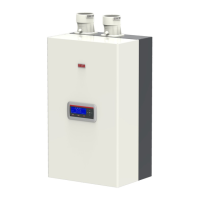
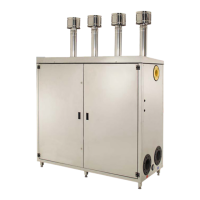
The Condexa Pro3 IN-EXT digital Master control panel of the
Condexa Pro3 IN-EXT is located in the external cabinet. It is pos-
sible to operate on the master contro.l panel opening the cover
with the plexiglass window. The various buttons on it allow you
to perform a variety of functions ranging from simple monitor-
ing of the main parameters to the system conguretion of the
device depending on the type of plant which is located down-
stream of it.
The control panel was designed to enable the user to enter the
various user modes; each one of these has a set of correspond-
ing functions, activated by pressing a button or combination of
two buttons pressed together. Furthermore, each button has a
specic function depending on the selected user mode.
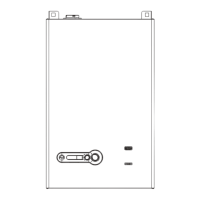
Figure 28
BUTTON KEY DESCRIPTION
S1 Reset button Serves to release the electric board after a permanent arrest
S2 Set/esc button Press to enter parameter mode and monitor mode for individual units
S3 System selection button Press to visualize functional status of the various master systems
S4 Increase button Press to increase a specic value
S5 Reduce button Press to reduce a specic value
S6 Conrmation button Press to memorize new values
U2 Illuminated display Displays information on boiler status
U3 Illuminated display Displays information on boiler status
D4 Green led If on, it indicates the system is live
D5 Red led If on, it indicates a possible fault


 To Next Page
 Loading...