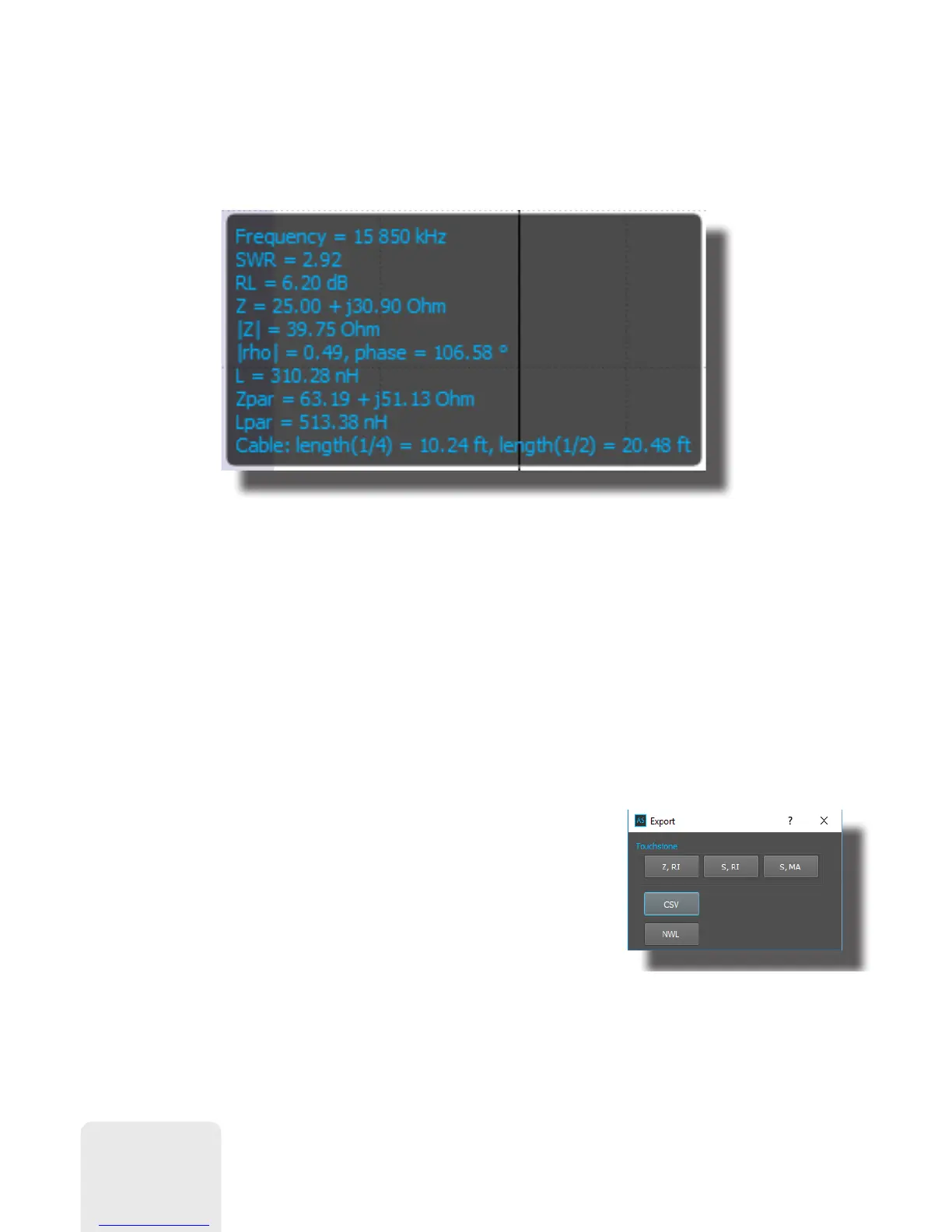
3.2. Data window
There is a pop-up data window when the cursor is moved over the graph, displaying
various parameters of a load:
3.3. Saving/loading data
Click Save button in Measurements section to save current measurement to a file,
then click Open button to retrieve the saved data. You can load multiple measurements
to perform on-screen comparison. Selected measurement will be displayed as a bold
line.
Please notice that data is saved in native AntScope2 format (.asd files), which cannot
be open in other programs. Use Export button to export data in various formats.
For instance, CSV data can be easily exported into a
Microsoft Excel
sheet. R and X (active and reactive
parts of impedance) values are saved into the CSV file
for each point on the graph. To calculate SWR or other
parameters, use corresponding formulas.
8













 To Next Page