RIGOL
DS6000 Quick Guide
User Interface
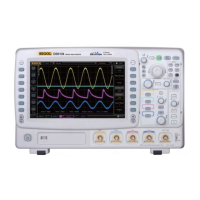
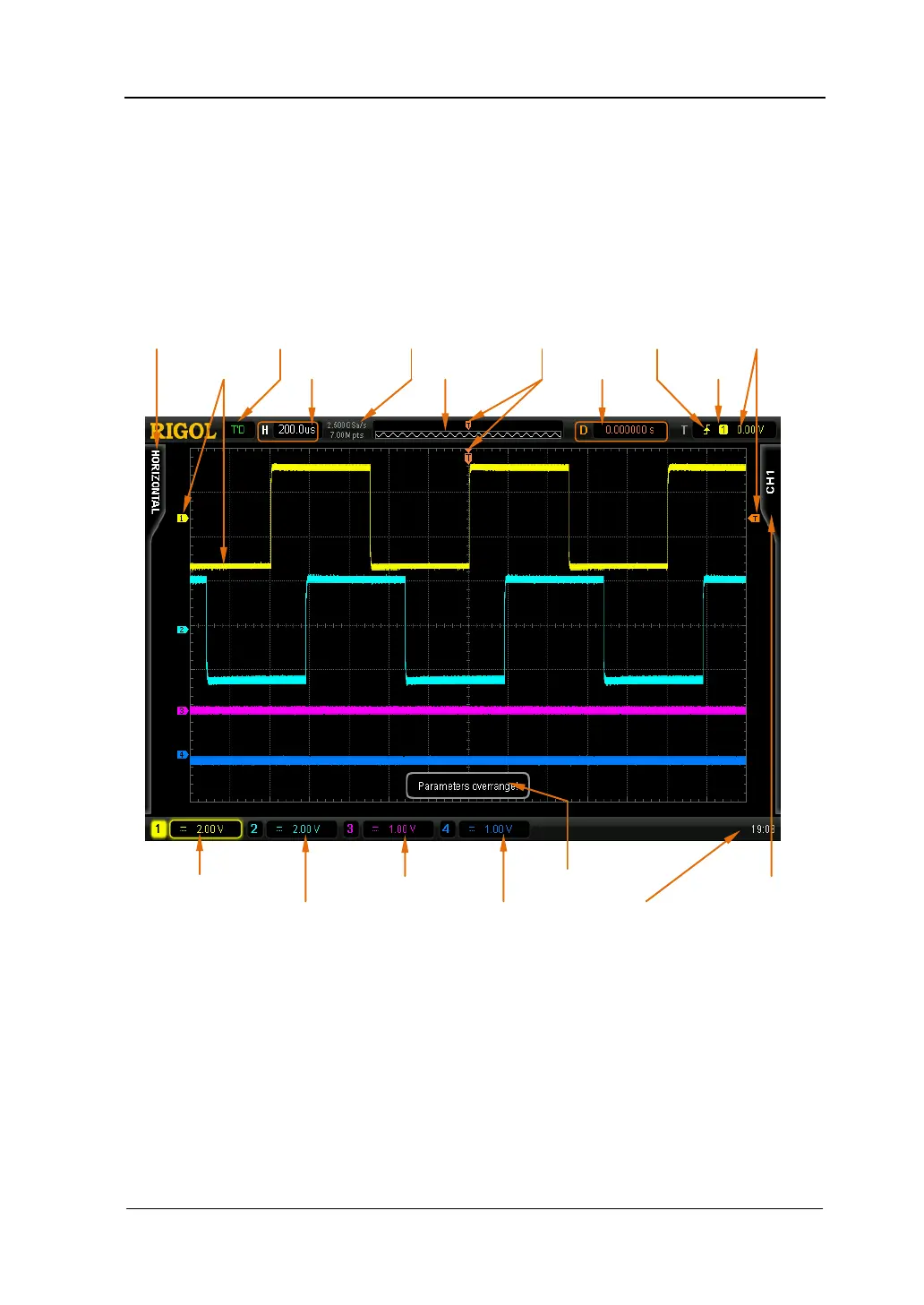
DS6000 oscilloscope provides 10.1 inches, WVGA (800*480) 260,000 color TFT LCD.
It supports standard display mode and persistence display mode. What is worth
mentioning is that the 14-grid ultra-wide screen makes you view “longer” waveform.
Figure 13 User Interface
1. Measurement Menu
Provide 12 horizontal (HORIZONTAL) and 10 vertical (VERTICAL)
measurement parameters. Press the softkey at the left of the screen to
activate corresponding measurement item.


 To Next Page
 Loading...