3
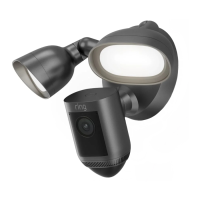
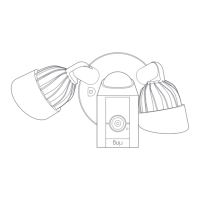
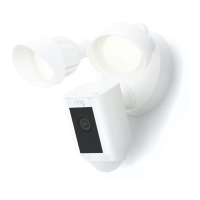
After setup, select your
Floodlight Cam in the
Ring app
This will bring you to the Device
Dashboard, where you can
change settings and access
various features.
Manually control the lights.
Toggle notifications for activity in
any of the camera’s motion zones.
Trigger the 110 decibel siren. It
is loud and will be heard by your
neighbors. Use it with care.
2


 To Next Page
 Loading...