Troubleshooting Tips
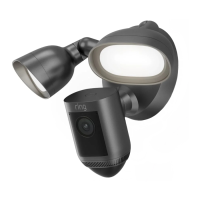
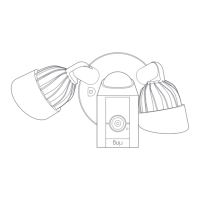
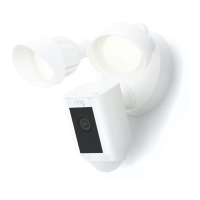
The picture on my Floodlight Cam is upside
down.
Double check to see if you rotated the camera
on your Floodlight Cam before installing it.
I’m having issues with video/audio quality
and/or load times.
Issues with video and/or audio are usually
related to problems with Wi-Fi signal strength
or Internet speed. For an optimal experience,
we recommend Internet speeds of at least
1Mbps. Check your Internet speed by selecting
Device Health in the Ring app, then selecting
Test Your Wi-Fi.
If your Internet speed is sucient, then look
at Signal Strength in Device Health. If Signal
Strength is not Good, you’ll need to boost the
Wi-Fi signal to your Floodlight Cam, which can
be done with our product, Chime Pro.
Learn more at: ring.co
m/chime-pro
© 2017 Bot Home Automation, Inc. RING, ALWAYS HOME, and CHIME are
trademarks of Bot Home Automation, Inc.
Last updated: 03/16/17


 To Next Page
 Loading...