2
IMPORTANT CONSIDERATION BEFORE STARTING THIS INSTALLATION
For reliable operation, a stable 12V ignition is required from a point of power in the vehicle
such as rear light. Always use independent earth points.
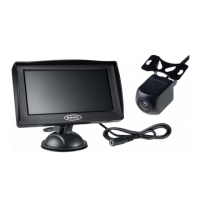
• Rear View Monitor
• Suction Cup Monitor mount
• 3M Adhesive Monitor Mount
• Monitor Power Cable
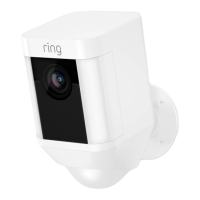
• Camera
• Camera Mounting Screws
• 3M Adhesive Pad for Camera
In this kit you will find the following components:
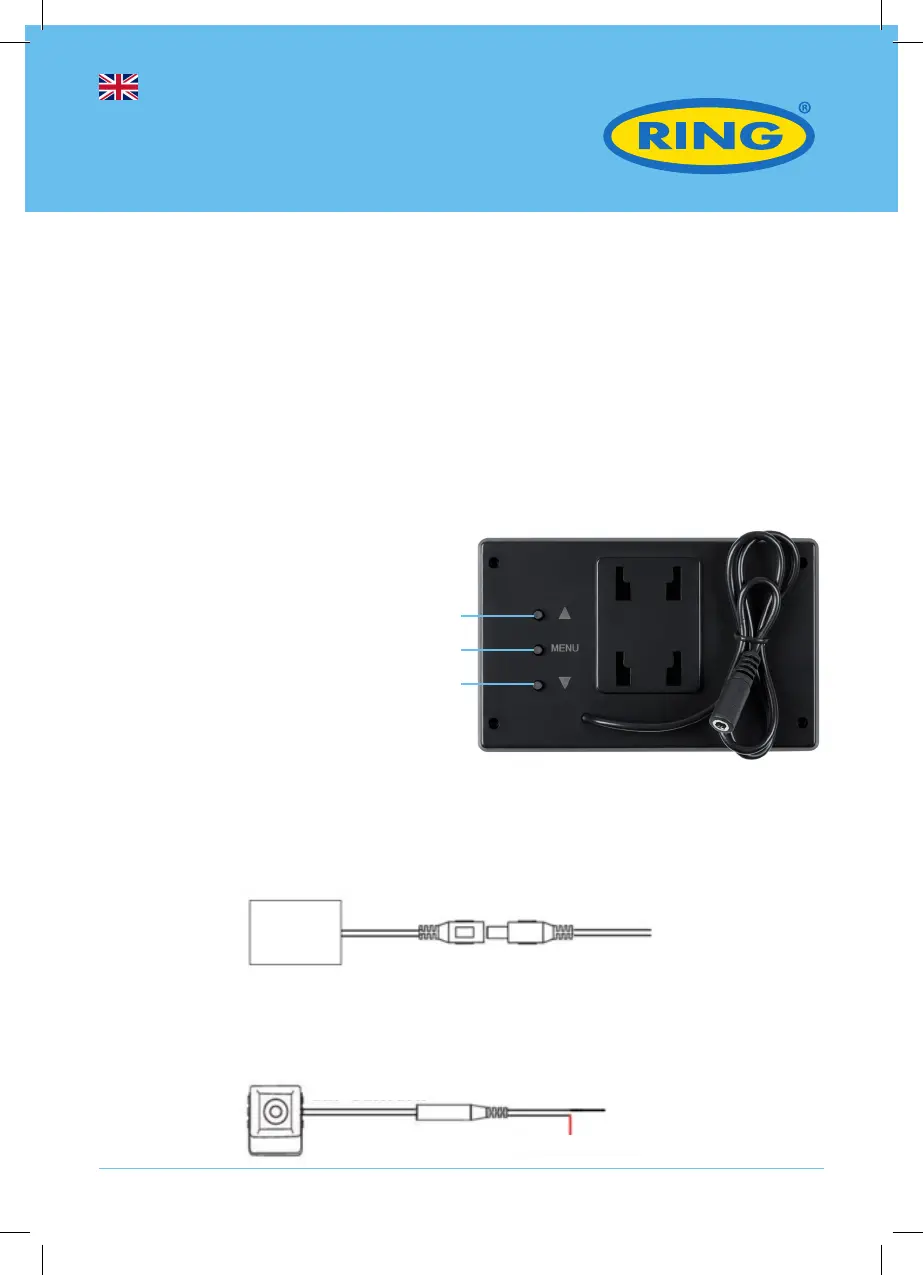
Button introduction
1. Up Button
2. MENU Button/OK Button/Back Button
3. Down Button
Monitor installation and Initial Wiring
Determine where to mount the monitor, ensuring it can be clearly seen from the driver’s seat
and does not obstruct other instruments or controls.
Connect the power plug to the monitor cable connector and neatly conceal the wiring behind
the trim and under the dash board area. Insert the into 12V socket (cigarette lighter type
socket).
4.3” Wireless
Reversing System
1
2
3
Screen
Vehicle camera
Black - Ground
Red - Reverse Lamp 12V+
Adaptor









 To Next Page