Charge the battery
First, fully charge the battery by
plugging it into a power source
using the provided orange
cable.
The small light on top will glow
green once fully charged.
= Charged
= Charging
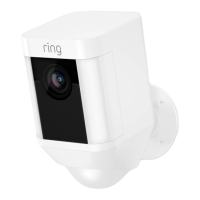
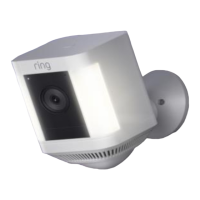
If you can’t wait to play with your Spotlight
Cam, go ahead and set it up. But, we
recommend fully charging it before
installation.
5






 To Next Page