KBP Series Manual 59
While any hot water is being provided,
the temperature seng can only be
adjusted between 98° F and 110° F.
Check local codes for the maximum water
temperature seng allowed when used
in nursing homes, schools, day care
centers, and all other public applicaons.
If power is interrupted and a newly
installed unit with a controller has not
been powered for at least 6 hours then
the temperature will return to the default
seng of 104° F (40° C).
There may be a variaon between the
temperature displayed on the
temperature controller and the
temperature at the tap due to weather
condions or the length of pipe to the
water heater.
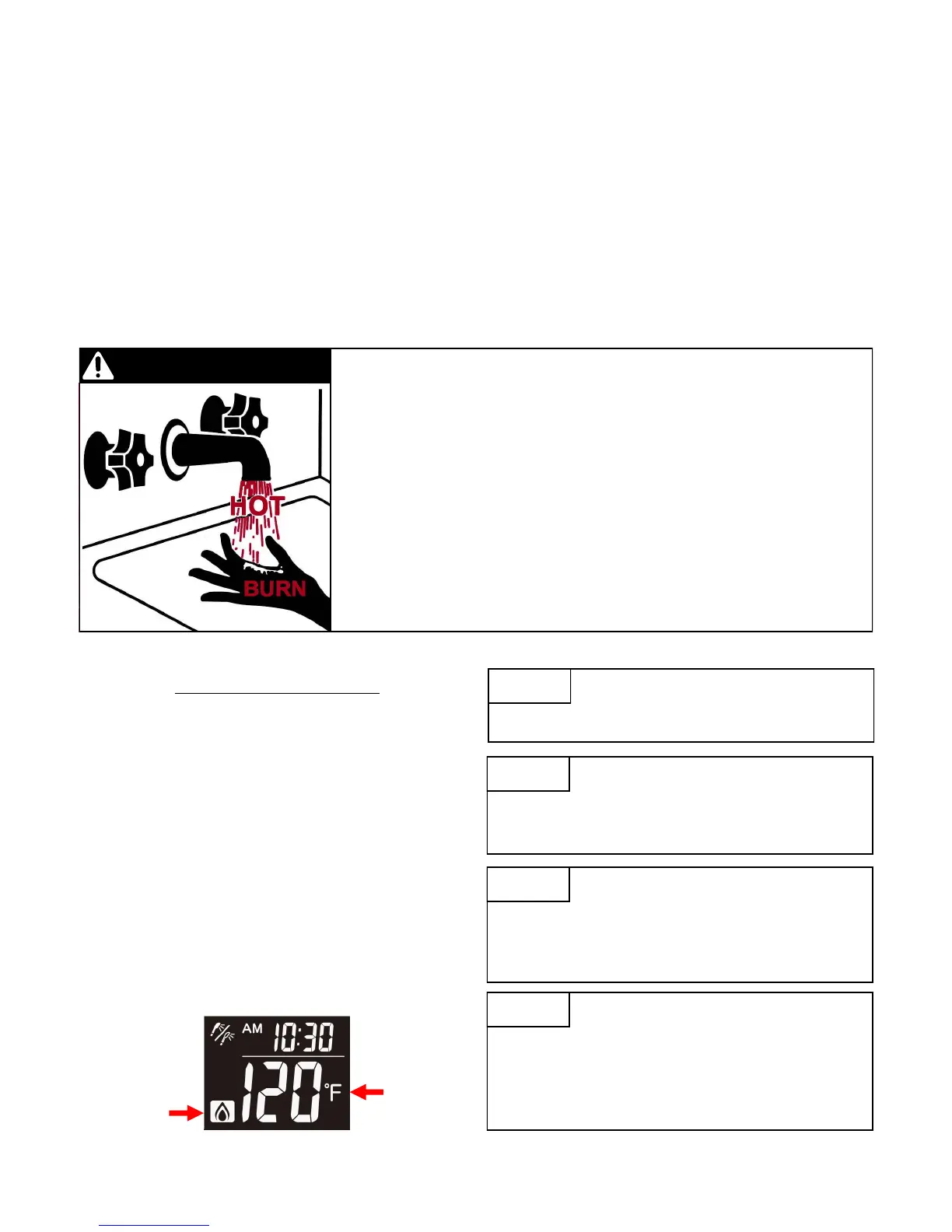
Water temperatures over 125° F (52° C) can cause severe burns or scalding
resulng in death.
Hot water can cause rst degree burns with exposure for as lile as:
3 seconds at 140° F (60° C)
20 seconds at 130° F (54° C)
8 minutes at 120° F (49° C)
Children, disabled, or elderly are at highest risk of being scalded.
Feel water before bathing or showering.
This water heater requires a minimum ow rate to operate. This rate can be found on the specicaon page in
this manual. In some cases when you are not geng hot water or if the water alternates between hot and cold,
it is due to the water ow being below or close to the minimum ow rate. Increasing the ow rate should
resolve these problems in these cases.
If you are experiencing issues with higher temperature sengs, then reduce the temperature seng. Selecng a
temperature closer to that which is actually used at the faucet will increase the amount of hot water being
delivered to the faucet, due to less cold water mixing at the xture.
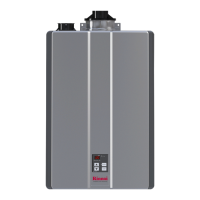
Adjusng the Temperature
1.Ensure the controller is “ON” and that the Priority
icon is displayed.
2.Press the “UP” or “DOWN” buons as needed to set
the controller to the desired temperature.
-The temperature will increase by 2 degree
increments between 98-110 F. Once above 110 F
the temperature will change by 5 degree incre-
ments.
3.Proceed to open the tap to allow water to ow
through the unit allowing combuson to begin.
-During the call for hot water while the burners are
acve, the “Combuson” icon will appear on the
screen.
Hot Water
Temperature
Combuson
Icon


 To Next Page
 Loading...