72 KBP Series Manual
To Display Diagnosc Informaon
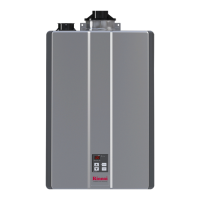
To display the most recent diagnosc informaon code press and hold the “On/O” buon for 2 seconds on the
MC-195T controller. While holding the “On/O” buon press the up buon. The last 9 diagnosc codes will
ash one aer the other. To exit this mode press the “On/O” and up buon as before.
To enter or exit the maintenance monitor informaon mode, press and hold the down buon for 2 seconds and
without releasing it press the ON/OFF buon.
To obtain the water ow rate: press the up or down buons unl “01” displays. The water ow rate will then
appear. For example “58” means 5.8 gal/min.
To obtain the outgoing water temperature press the up or down buons unl “02” displays. The temperature
will appear in degrees Fahrenheit.
This water heater is designed to display diagnosc codes. If there is a potenal operaon concern refer to the
code and remedy on the next page.
Water ow rate 0.1 gal/min 01
Outgoing water temperature Degrees Fahrenheit 02


 To Next Page
 Loading...