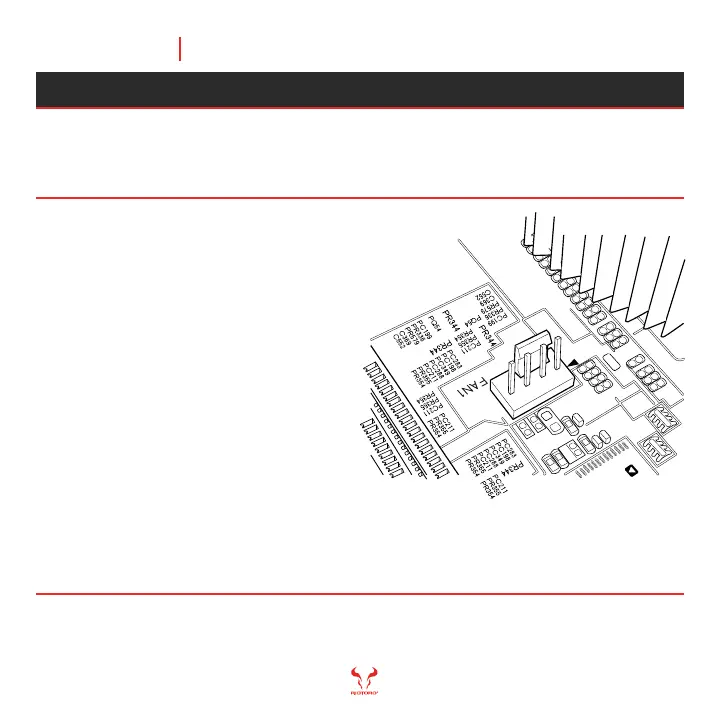
Note: connecting a NON-RGB RIOTORO FAN will potentially set the RGB lightning out of sync,
connect any non RGB fan or third party fan to the motherboard fan headers if needed.
Tips:
- The RGB controller supports
additional Quiet Storm RGB FAN
- It is recommended to use
Quiet Storm RGB fans
with the RGB controller.
- Please note that the included
80.0 mm fan is not RGB and
should not be connected to
the RGB controller.
Morpheus comes with RGB controls directly on the I/O. Simply connect the
cables to an RGB controller and use a SATA cable to power up the controller.
Attaching the Case Fan Cables
Chapter 5 51
READY, SETUP, GOMORPHEUS



 To Next Page