USER CODES
When programming User Codes you should note the following:-
a) User 1 is always the Master Code. This level of code allows you to perform all
User functions (including resetting after an alarm) and all User Programming
functions. The Master Code may be changed by the Master User but it may
not be deleted.
b) User 2,6,7 & 8 are always User level. This level of code will allow you to Set,
Part Set and Unset the system. If you wish to delete the code enter 0000
when asked to enter the code during programming.
c) User 3 & 9 are Set only level. This level will allow you to Set and Part Set the
system only. If you wish to delete this code enter 0000 when asked to enter
the code during programming.
To program the user codes proceed as follows:-
1) With the Control panel in the DAY mode (Unset) enter the Master code. The
exit tone will sound.
2) Before the exit time expires Press NO. The exit tone will silence and the
RReemmoovvee LED will flash.
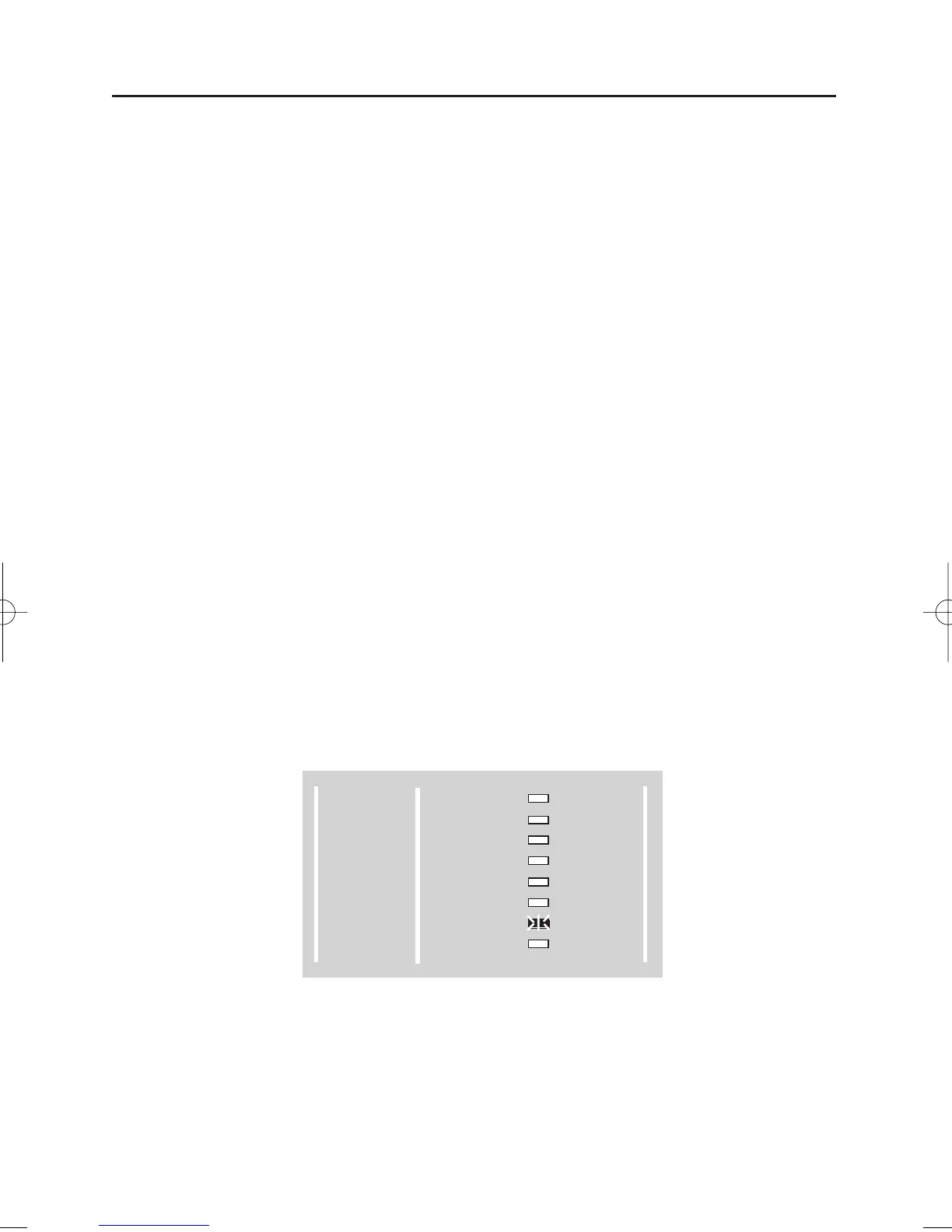
3) Press NO Four times and the PPrrooggrraamm LED will flash as Fig 10.
Fig 10.
Page 10
GARDTEC 350
Users Manual
300 Series
GARDTEC
POWER
DAY
Z1
Z2
Z3
Z4
Z5
TAMPER
REMOVE
TEST
LOG
CHIME
PROGRAM
ENTER



 To Next Page