GARDTEC 350 USER INSTRUCTIONS
INTRODUCTION
Your Gardtec 350 Control Panel will have been fully programmed by your installation
engineer to suit your needs. Normal day to day operations will consist of the following:-
Fully setting the system
Part setting the system
Unsetting the system
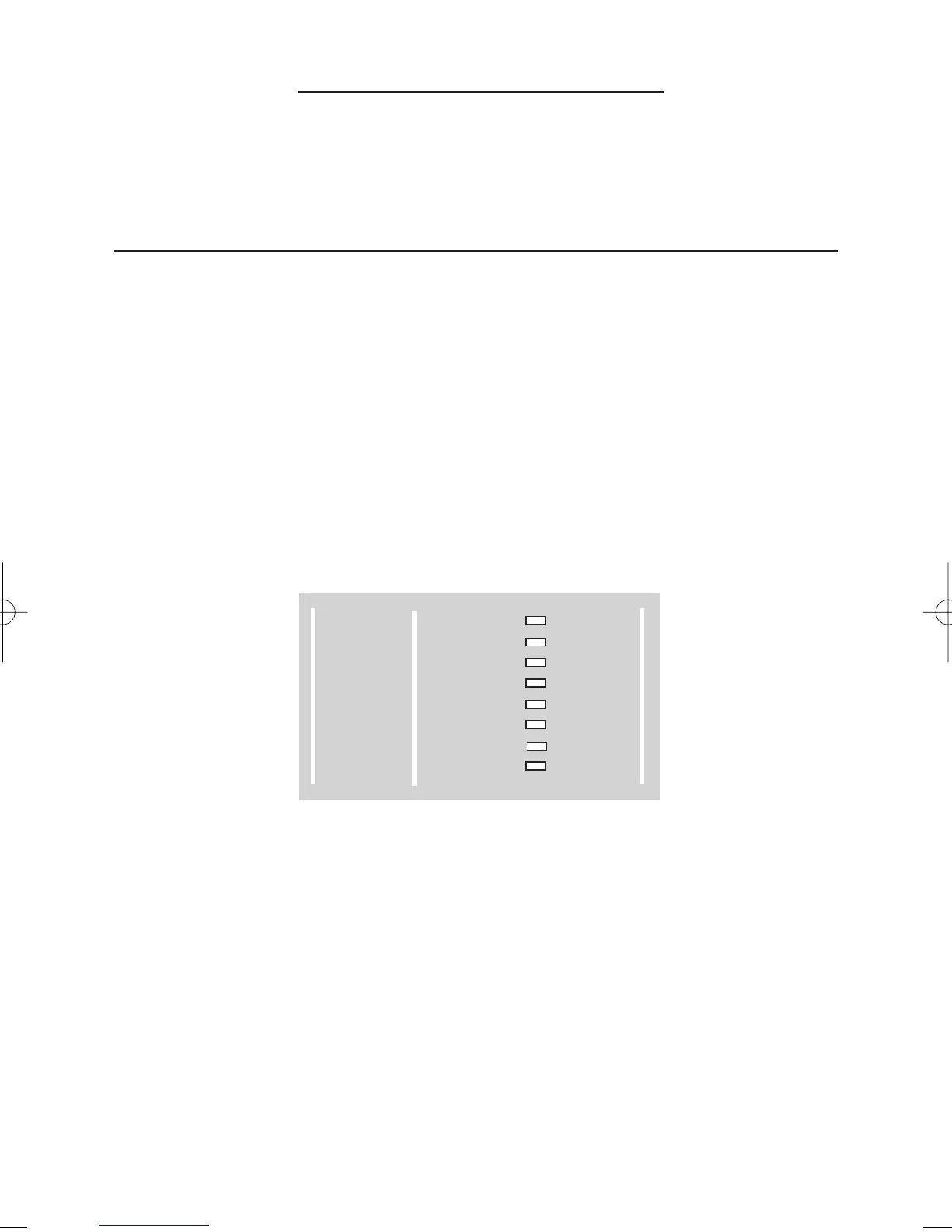
Display is given via eight individual L.E.Ds. When using the Gardtec 350 in it’s normal
user mode the bold black legend is used, this is shown in Fig 1. below.
Fig 1.
A key press tamper will activate if more than 24 invalid digits are entered. This
will cause an internal alarm if the unit is unset and a full alarm if the unit is set.
Keys 1 and 3 have been factory programmed for P.A (Personal Attack). This is a 24
hour function and will operate if the control panel is set or unset. To use the keypad
P.A function press and hold keys 1 and 3 at the same time, the alarm will then activate.
To stop the alarm sounding enter a valid user code. After the keypad P.A function has
been used the system will require resetting as shown on page 3.
GARDTEC 350
Users Manual
300 Series
GARDTEC
POWER
DAY
Z1
Z2
Z3
Z4
Z5
TAMPER
REMOVE
TEST
LOG
CHIME
PROGRAM
ENTER
Page 1



 To Next Page