EasyManua.ls Logo

Risco GardTec 350+ - Removing Individual Zones

Risco GardTec 350+
20 pages
Print Icon
To Next Page IconTo Next Page
To Previous Page IconTo Previous Page
Loading...
REMOVING INDIVIDUAL ZONES
1) With the Control panel in the DAY mode (Unset) enter the Master code. The
exit tone will sound.
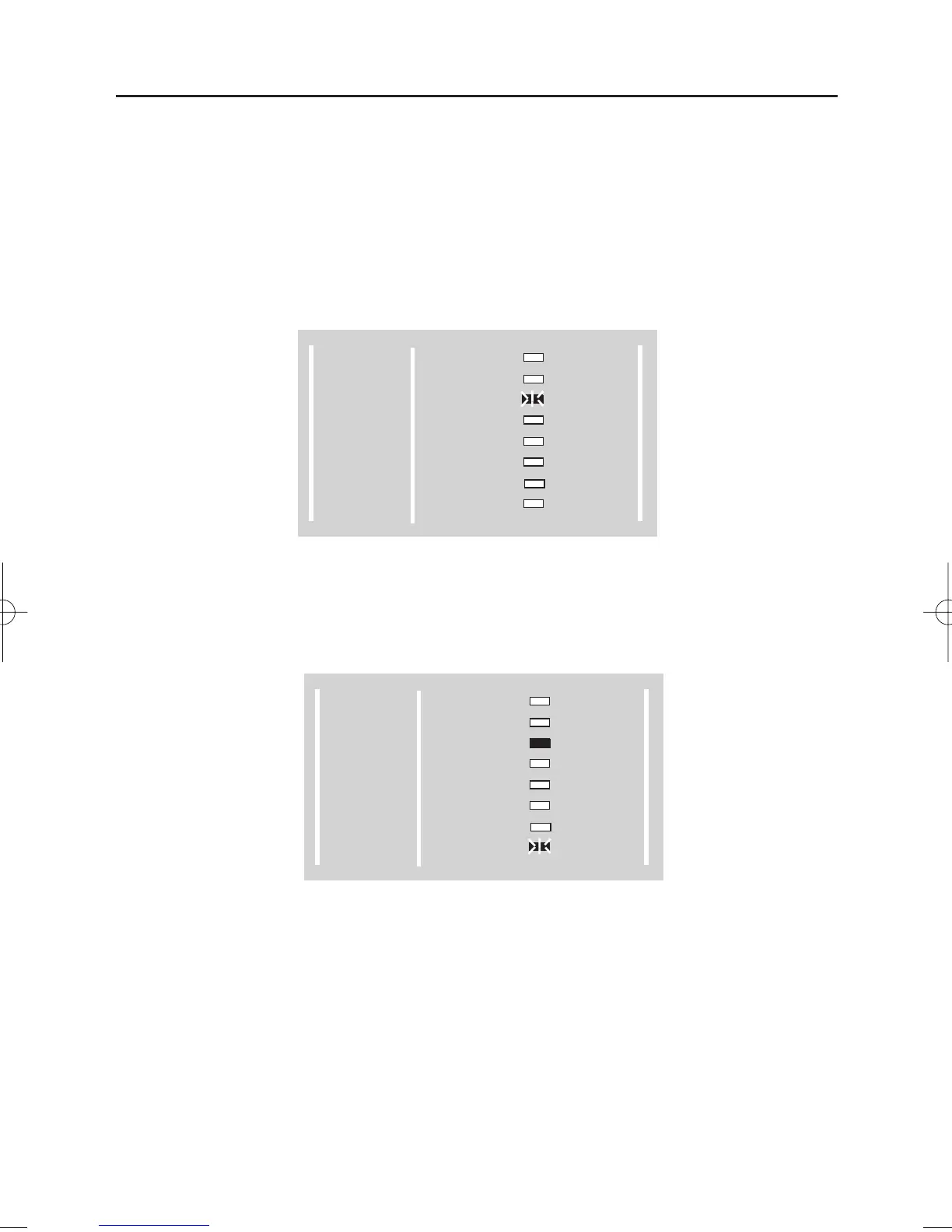
2) Before the exit time expires Press NO. The exit tone will silence and the
RReemmoovvee LED will flash as shown in Fig 4.
Fig 4.
3) Press YES to program the RReemmoovvee option. The display will show as Fig 5.
Fig 5.
Page 5
GARDTEC 350
Users Manual
300 Series
GARDTEC
POWER
DAY
Z1
Z2
Z3
Z4
Z5
TAMPER
REMOVE
TEST
LOG
CHIME
PROGRAM
ENTER
300 Series
GARDTEC
POWER
DAY
Z1
Z2
Z3
Z4
Z5
TAMPER
REMOVE
TEST
LOG
CHIME
PROGRAM
ENTER
350 USER - inst quark.QXD 12/10/02 20:12 Page 6

Other manuals for Risco GardTec 350+

Related product manuals