The User programmable options are as follows:-
RReemmoovvee
This option enables the Master user to Remove individual zones when setting the sys-
tem. This is in addition to any part set suites pre-programmed by your engineer.
TTeesstt
This option allows the Master user to Test the system.
LLoogg
This option allows the Master user to view the event Log.
CChhiimmee
This option allows the Master user to turn the Chime option On and Off. (The zones
that are on chime will have been programmed by the installation engineer).
PPrrooggrraamm ((CCooddee))
This option allows the Master user to change the Codes for the Master user (User1),
User (User2) and Set only user (User3) levels.
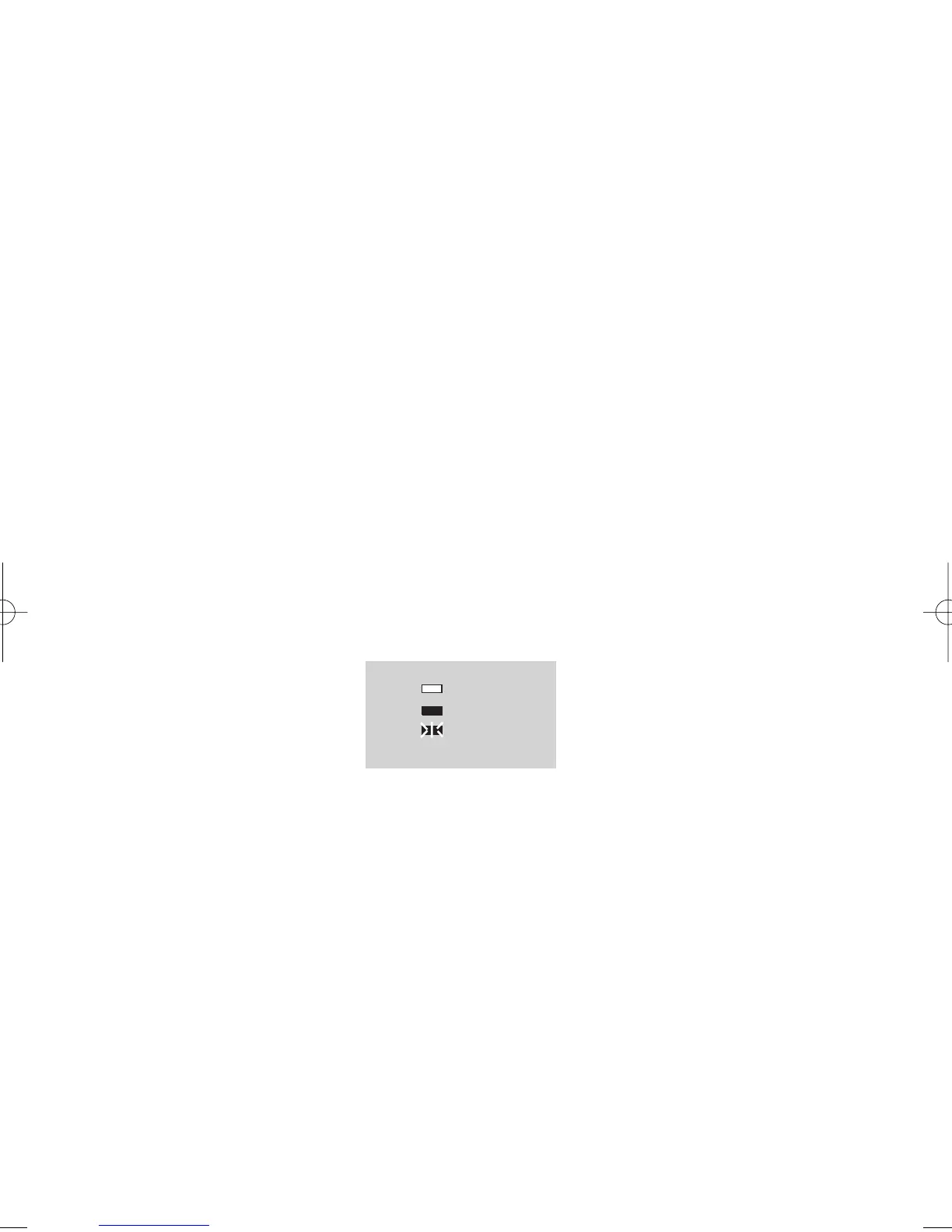
When programming the User options the LEDs may show the following status:-
Fig 3.
To program the options shown above proceed as follows:-
Page 4
GARDTEC 350
Users Manual
OFF
ON
FLASHING



 To Next Page