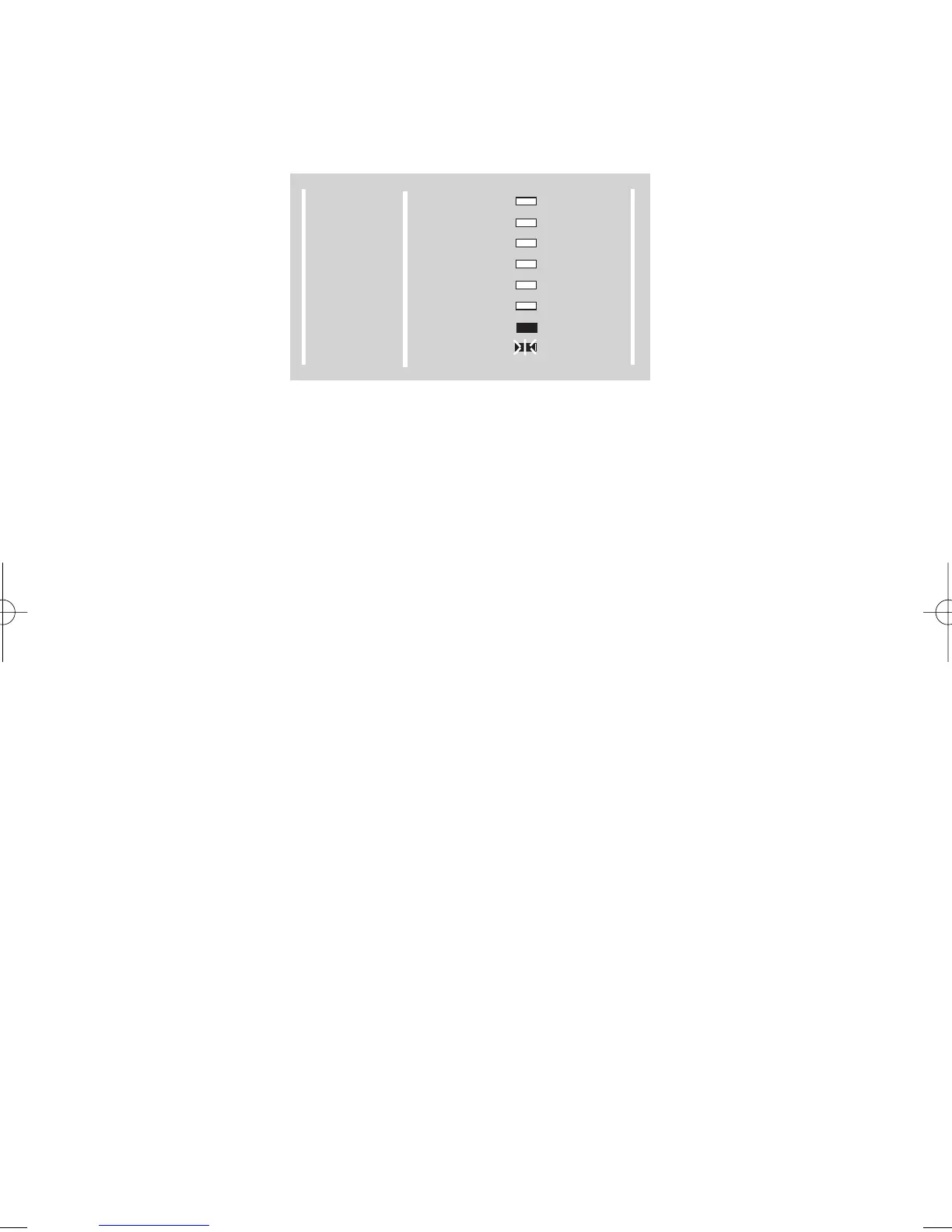
4) Press YES to use the PPrrooggrraamm (CCooddee) option. The display will show as
Fig 11
Fig 11.
5) Enter the User number you wish to program followed by YES from:-
1 = Master Code Level
2 = User Code Level
3 = Set Only Code Level
4 = Master Code Level
5 = Master Code Level
6 = User Code Level
7 = User Code Level
8 = User Code Level
9 = Set Only Level
A comfort tone is generated if all is okay
6) Enter a new four digit code followed by YES (entering 0000 will delete the
present code, however the Master code may only be changed and not
deleted). A comfort tone will be generated if all is okay.
7) Enter the same four digit code again to confirm followed by YES. (If a mistake
has been made and no comfort tone is generated or if the two codes do not
match the code will not be updated.
8) If you wish to program other user codes repeat from step 4
To escape back to DAY mode press 0.
Note: Any of the digits 0-9 may be used any number of times in a user code.
Page 11
GARDTEC 350
Users Manual
300 Series
GARDTEC
POWER
DAY
Z1
Z2
Z3
Z4
Z5
TAMPER
REMOVE
TEST
LOG
CHIME
PROGRAM
ENTER



 To Next Page