RPR-4000
Operations manual
REV 8-21 36
Starting up
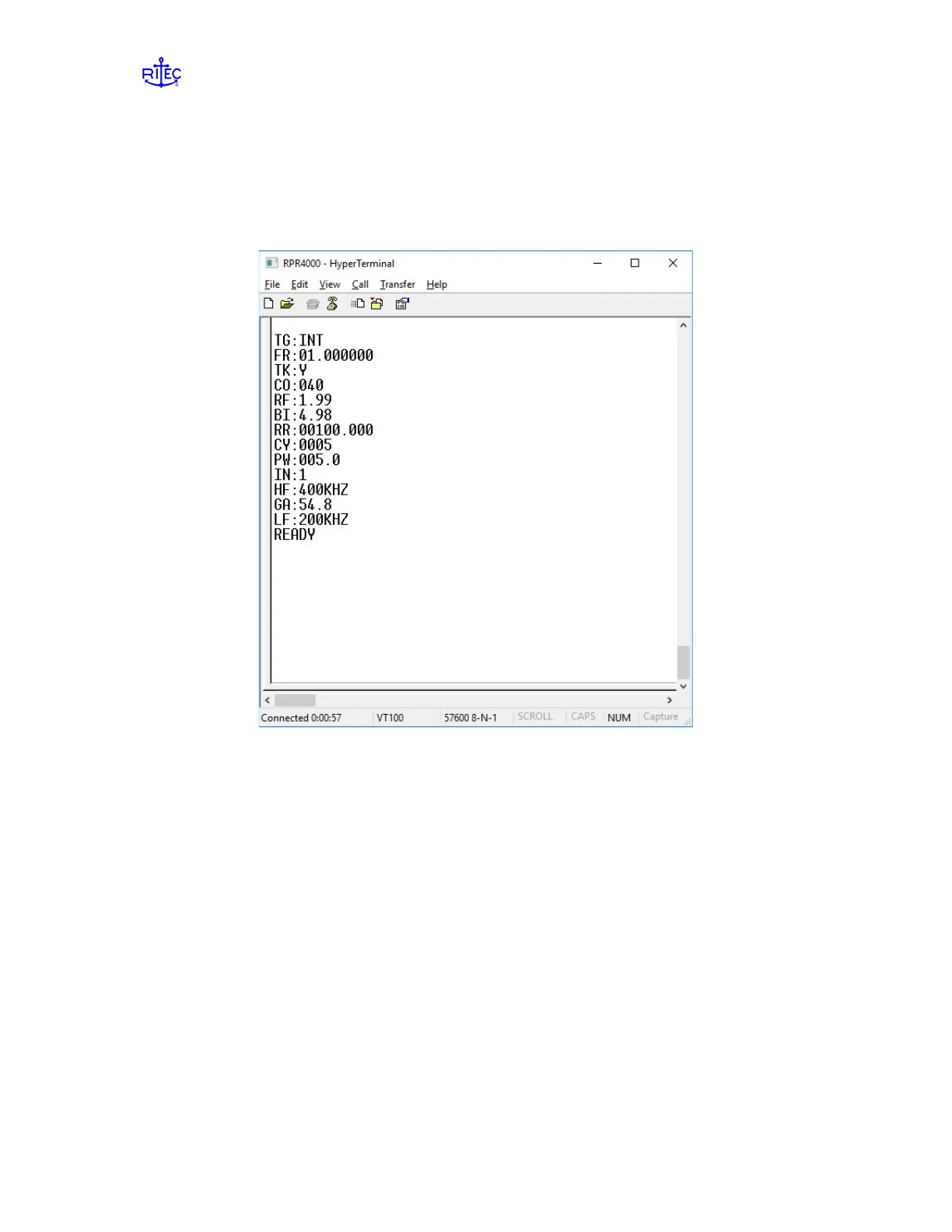
When power is applied to the RPR-4000, the instrument settings are transmitted from the
serial port followed by “READY” which indicates that the instrument is ready for use.
Figure 3.2 shows an example output received from the RPR-4000 after power on.
Figure 3.2: Example serial output of the RPR-4000 after being powered on.
External commands or text files can be sent to the RPR-4000 using a variety of terminal
programs. The screen shot shown in Fig. 3.2 was taken from the program called
HyperTerminal.
All commands will be echoed back to the external computer, which indicates that the
command has been received by the pulser or receiver and implemented.
When a command has been issued, the keypad display will be changed to the menu that
contains the item being changed.
When an instrument setting is changed on the local keypad, the results are both displayed
on the local LCD and echoed at the serial port.


 To Next Page