RPR-4000
Operations manual
REV 8-21 45
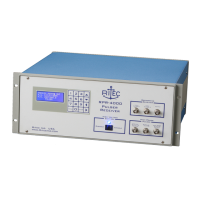
Front panel LCD corruption
The problem
The front panel display is showing unreadable characters and/or gibberish.
Required action
Use the following procedure to reset the LCD display.
1. Turn unit AC line power off (rocker switch on rear panel)
2. Press and hold the LEFT ARROW key on the keypad while turning power on.
3. When the data appears on the display, release the LEFT ARROW key.
4. Press and release the ENTER key.
This procedure will also reset the displayed settings; it will be necessary to re-enter all used
settings.
Amplifier Mode Over Duty Cycle
The problem
When using the RPR-4000 in external amplifier mode, the pulse output is no longer present, and
the RED LED on the rear panel is lit.
Required action
An over duty cycle event has occurred. When using the pulser is amplifier mode, it is very
important that you stay within the duty cycle limits of your instrument.
1. Turn off the HV power switch (rocker switch, front panel.)
2. Wait 15 minutes for the unit to cool down.
3. While the unit is cooling down, use and oscilloscope to view your RF and Gate signal;
verify that you are within the duty cycle limits for your unit.
4. Once you have made the necessary changes to your input signals, reconnect them and
turn the HV power switch back on.


 To Next Page