Set Clock
EPA Program
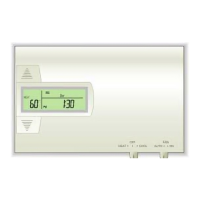
Set day of the week -
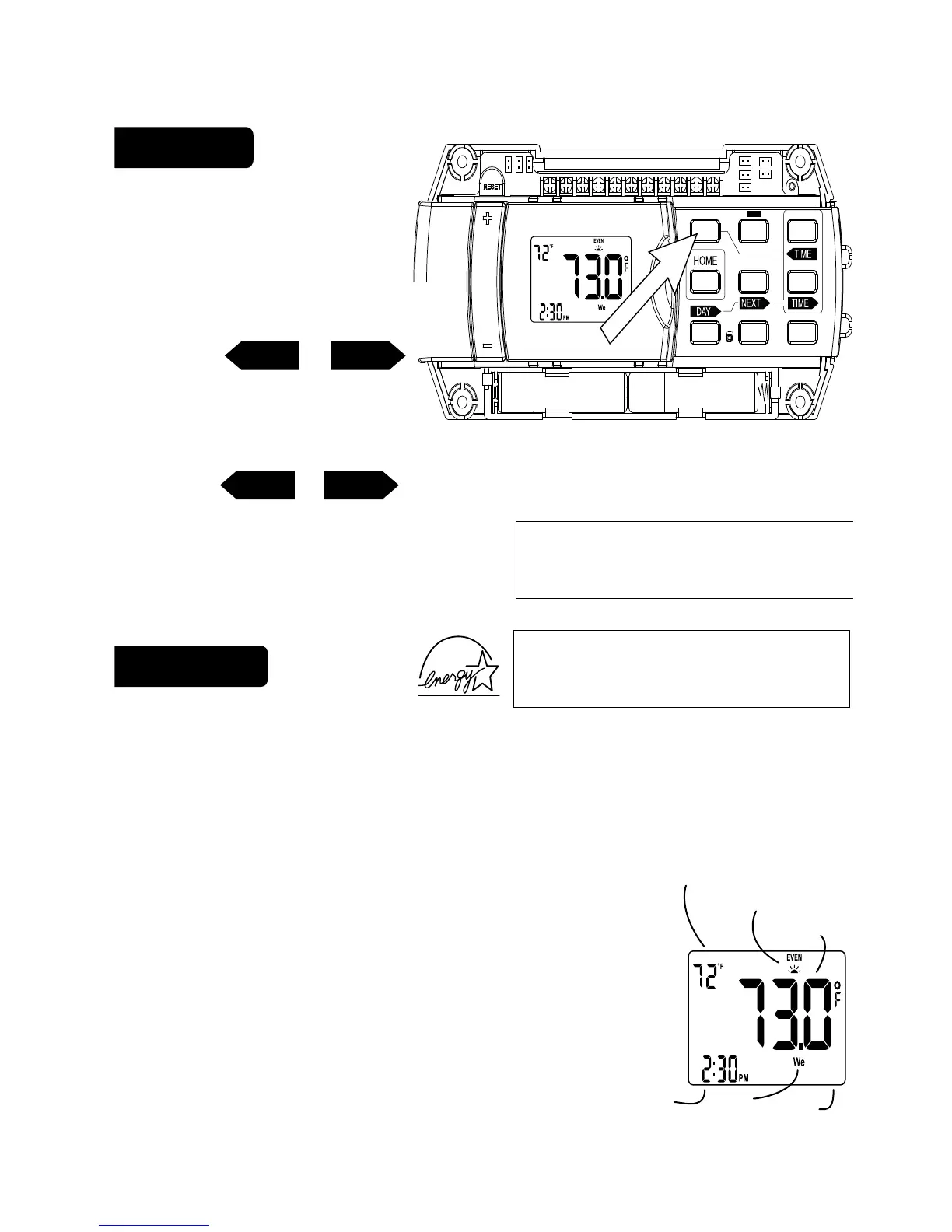
• Press SET CLOCK once
to set the day of the week.
The day of the week display
flashes. (Initially SU for Sunday)
• Press <TIME or TIME>
to select the day.
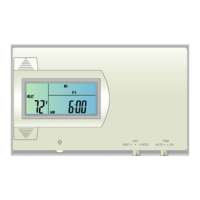
Set time of day -
• Press SET CLOCK again to set the time. The time display will flash.
• Press <TIME or TIME> to set the time. Press and hold to set the time
in the fast mode.
• Press HOME to store your settings.
This Thermostat comes preprogrammed
with an Energy-Star
TM
approved program. This program is recommended by the
EPA for energy efficiency. We strongly recommend that you use this program
for one week, and see if it works for you. If it does not fit your needs you can
always input a custom program.
• To Run the Energy-Star
TM
program, select HEAT or COOL
with the mode switch. The unit is now running the Energy-
Star
TM
program. To return to the E-star program press EPA.
• One of the TIME SLOT icons
MORN, DAY, EVEN, NITE
comes
on, this indicates the TIME SLOT active in the Energy-Star
Tm
program. For program details refer to the Energy-Star
TM
program chart above.
TIMETIME
TIMETIME
PG 2
PG 3
All Days 70
o
F 62
o
F 70
o
F 62
o
F
MORN
6:00am
HEAT
DAY
8:00am
EVEN
6:00pm
NIGHT
10:00pm
All Days 78
o
F 85
o
F 78
o
F 82
o
F
MORN
6:00am
COOL
DAY
8:00am
EVEN
6:00pm
NIGHT
10:00pm
HEAT
TARGET TEMP
HEAT
TARGET TEMP
PROGRAM HOLDCOPY REVIEW FILTER
TIME SLOT
TIME SET
SET CLOCK
EPA
PROG2
1 2 3
4
6
8
5
7
mode
day
time
target
temp
time
slot
temp



 To Next Page