P.t.SE. a pan/tilt macro selection F.Zom a fine zoom
P.t.SP. a pan/tilt speed Stro. a shutter,strobe
Func. a special function dimr a dimmer
Colo. a colour wheel
F.Col. a fine colour wheel
CYAN a cyan lamella
MAGE. a magenta lemella
YELL. an yellow lamela
CtC.F. a CTC lter
S.tim. a step time,value 0,1-25,5 seconds
COPY. - copying the current prog. step to the next prog. step .If the last prog.step is copied to the
next prog. step ,parameter "P.End" is increased about one by itself (except step 99).
5. Press [ENTER]-button to conrm adjusted value .
6. Press [MODE]-button,select next prog. step and repeat this procedure (steps 4 - 6).
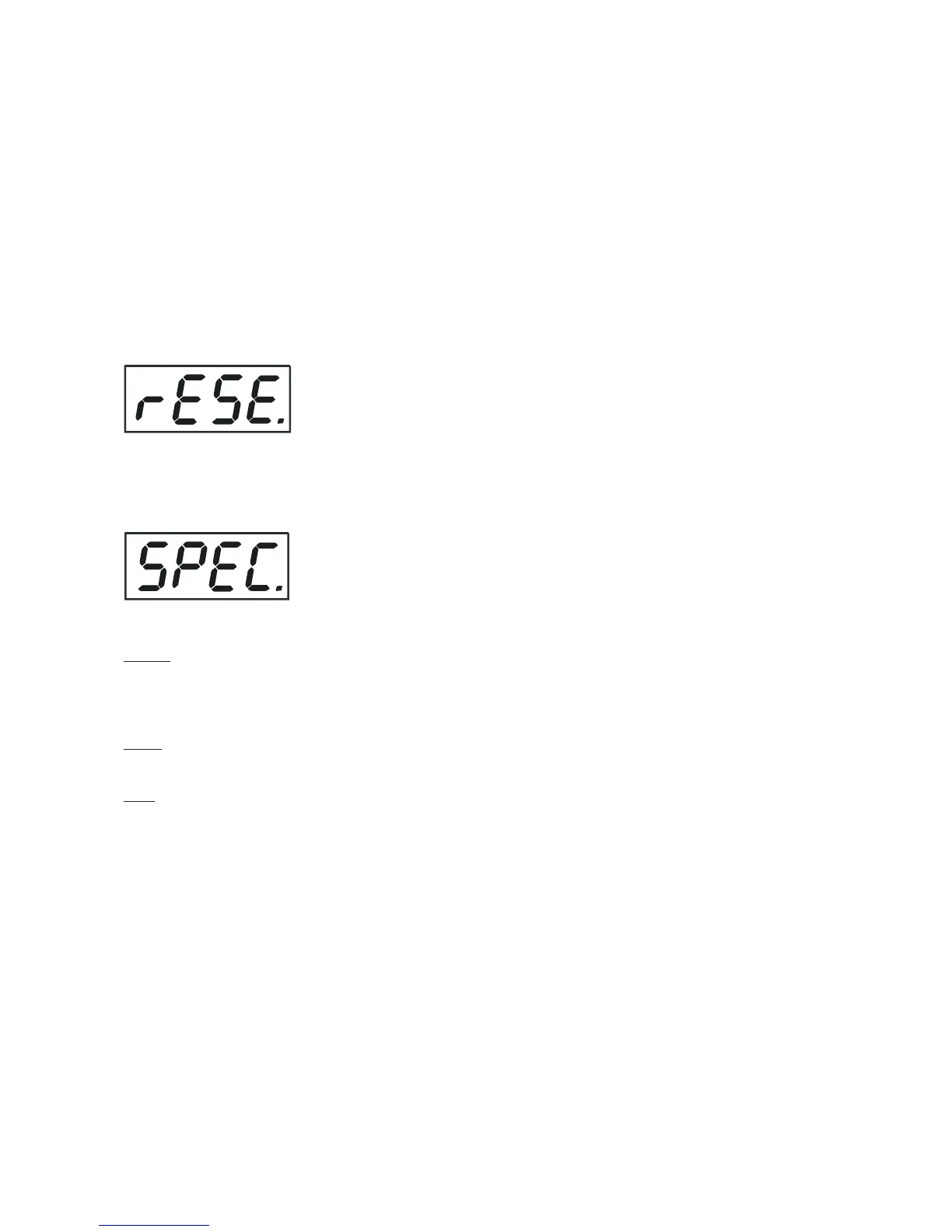
9.9 Reset function
This option enables the ColorWash 757 AT to index all effects (functions) and return to their standard posi-
tions.
9.10 Special functions
Use this menu for special services like adjusting lamp or adjusting effects.
LA.Ad. --- Lamp adjustment.This function can be used when you make the ne adjustment of the lamp.If you
select this function,all effects will be canceled,shutter will be opened and the dimmer intensity will be set onto
100%.By using the options "PAn, tilt,Zom." you can focus the light on a at surface (wall) and perform the ne
lamp adjustment.
CodE --- Code.This function contains identication hexadecimal code (0000-FFFF) for the xture, which is
used for the master/slave operation.
AdJ. --- Effect adjustment.By this function you can calibrate and adjust the effects to their standard/right
positions.Disconect the DMX controller from the xture and select "AdJ." menu.The display shows step by step
effects by which you can adjust the xture to the required position before the function calibration(DMX controller
must be disconnected) . When the positioning is nished ,select "F.CAL." and press [ENTER]:
1. Calibration via the control board
Disconnect DMX controller from the xture.Press [ENTER] and use [UP] and [DOWN] in order to display the
following items: "Colo,EFFE,EF.ro,Zoom,dimr" for very smooth function calibration. Select one of them, press
[ENTER] and use the [UP] and [DOWN] in order to adjust their right value from 0 to 255. Then press [ENTER]
to conrm or [MODE] to cancel and return to the menu. This can be repeated for each calibration parameter if
it is required. When the calibration is nished, it is necessary to use the "A.rES" function in order to write the
calibration values to the memory (EPROM) and to make a reset in order to check the newly adjusted positions
of the effects. When the reset of the xture is nished, the display will show the "F.CAL" message. Press
[ENTER] to repeat the calibration or [MODE] to return to the "AdJ." menu.
2. Calibration via the external controller
Connect the DMX controller to the xture, press [ENTER] and the [UP] and [DOWN] buttons in order to display
the following items: "Colo,EFFE,EF.ro,Zoom,dimr" . Select one of them and press [ENTER].
Now you can calibrate this effect by your controller. The DMX calibration protocol are described below.













 To Next Page