41
10. Maintenance and cleaning
It is absolutely essential that the xture is kept clean and that dust, dirt and smoke-uid residues must not build
up on or within the xture. Otherwise, the xture‘s light output will be signicantly reduced. Regular cleaning will
not only ensure the maximum light output, but will also allow the xture to function reliably throughout its life.
A soft lint-free cloth moistened with any good glass cleaning uid is recommended, under no circumstances
should alcohol or solvents be used!
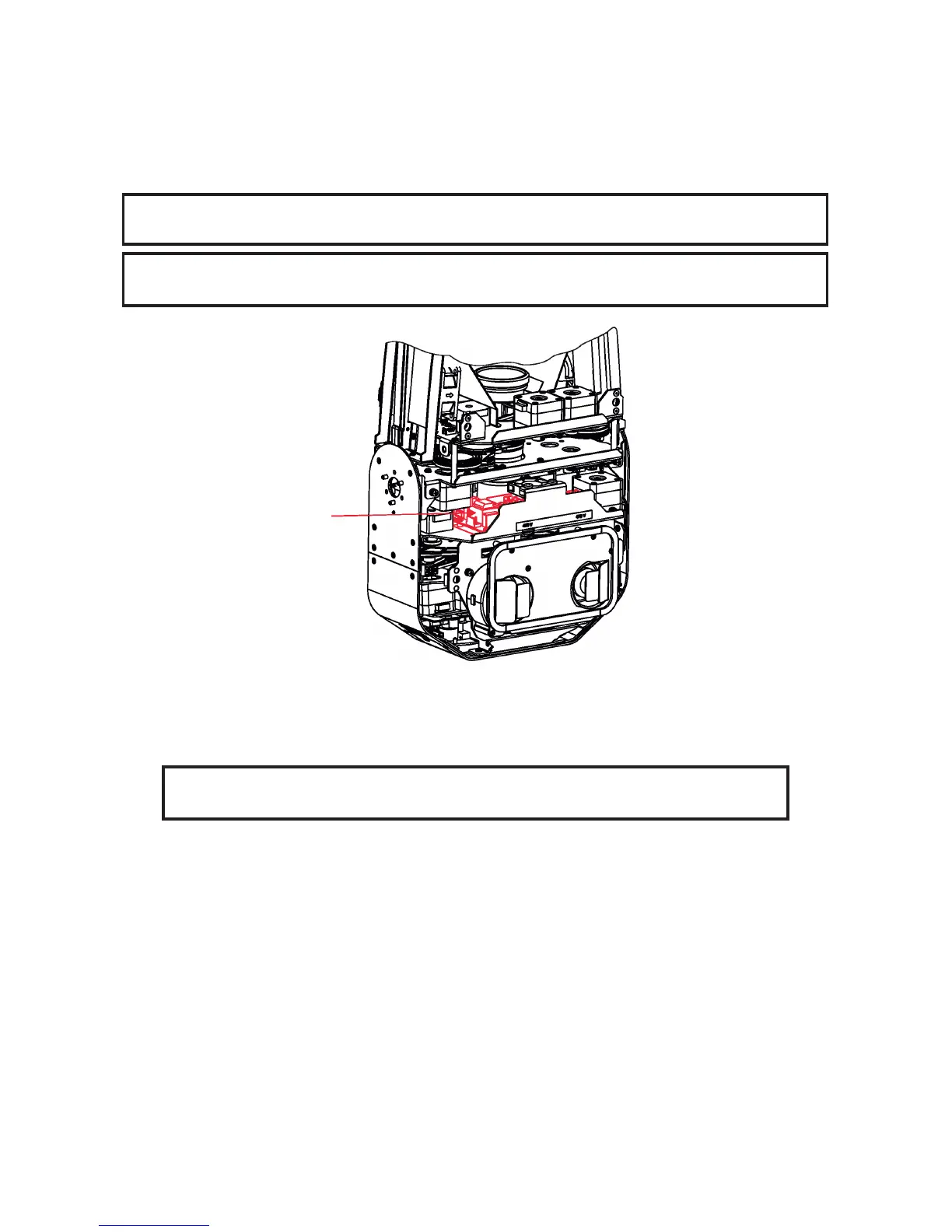
DANGER !
Always disconnect the xture from mains before starting any maintenance work.
If the xture is connected to mains, high voltage is present at a heat sink and some
parts of the lamp driver in the xture head !
The front objective lens will require weekly cleaning as smoke-uid tends to building up residues, reducing the
lightoutput very quickly. The cooling-fans should be cleaned monthly.
The interior of the xture should be cleaned at least annually using a vacuum-cleaner or an air-jet.
Dichroic colour lters and gobo wheels and the internal lenses should be cleaned monthly.
Remove dust and dirt from the fans and cooling vents using a soft brush and vacuum-cleaner.
Important! Check the air lters periodically and clean before they become
clogged!
Clean the air lters placed in the xture head and base. Use a vacuum cleaner, compressed air or you can
wash them and put back dry.
After replacing the air lters, reset the elapsed time counter in the menu "Information" (Information--->Air Fil-
ters---> Elapsed Time).
Replacing the fuse.
Before replacing the fuse, unplug mains lead.
1) Remove the fuse holder on the rear panel of the base with a tting screwdriver from the housing
(anti-clockwise).
2) Remove the old fuse from the fuse holder.
3) Install the new fuse in the fuse holder (only the same type and rating).
4) Replace the fuseholder in the housing and x it.
Lamp driver and its heat sink is
under high voltage!



 To Next Page