33
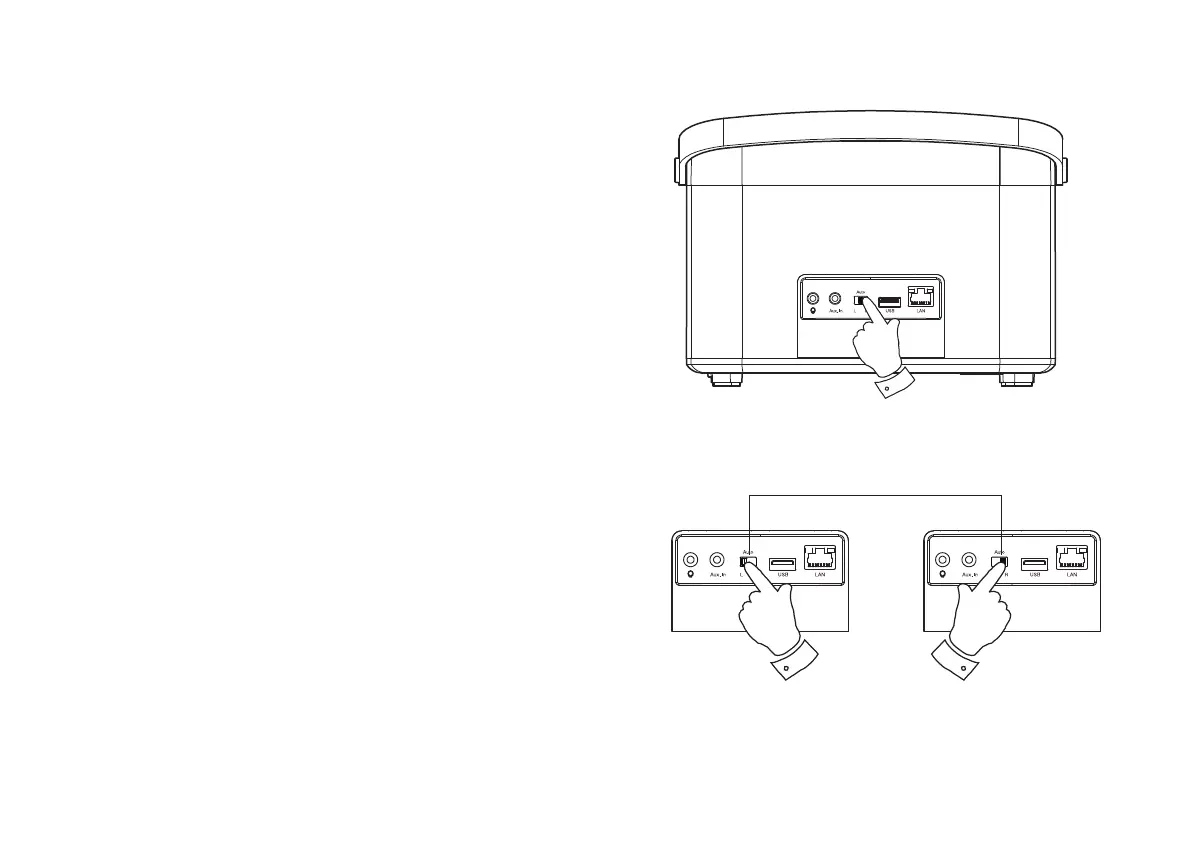
Stereo mode switch
<RXFDQFRQ¿JXUH\RXU5DVDVWDQGDORQHVWHUHRVSHDNHURUDVDOHIWRU
right speaker in a stereo setup when you have two speaker's within the
same multi-room group.
Create a stereo sound with your R1
1. To listen with stereo sound from a single R1 speaker, set the Stereo
mode switch to the centre 'Auto' position.
Create a stereo pair of speakers within a
multi-room group
If you have two such products in the same room and they are both connected
to the network and within the same multi-room group you may combine
the two speakers into a stereo pair.
1. Set the Stereo mode switch on one of the speakers to the left and
the other one to the right.
2. The speakers will then operate as a stereo pair.
<RXFDQ FRQWUROWKHLUYROXPHVHWWLQJVLQGLYLGXDOO\ RUWRJHWKHUXVLQJ
the UNDOK app.
1
Left Right
Stereo pair of speakers



 To Next Page