10. Save/Load Data Program
11. Various information during the process
You can inquire various information on LCD screen during charging or
discharging process. When you press DEC button, the charger shows the
establishment of user settings. And also you can monitor the voltage of
individual cell by pressing INC button when the individual connection cable is
linked to the Lithium battery being processed.
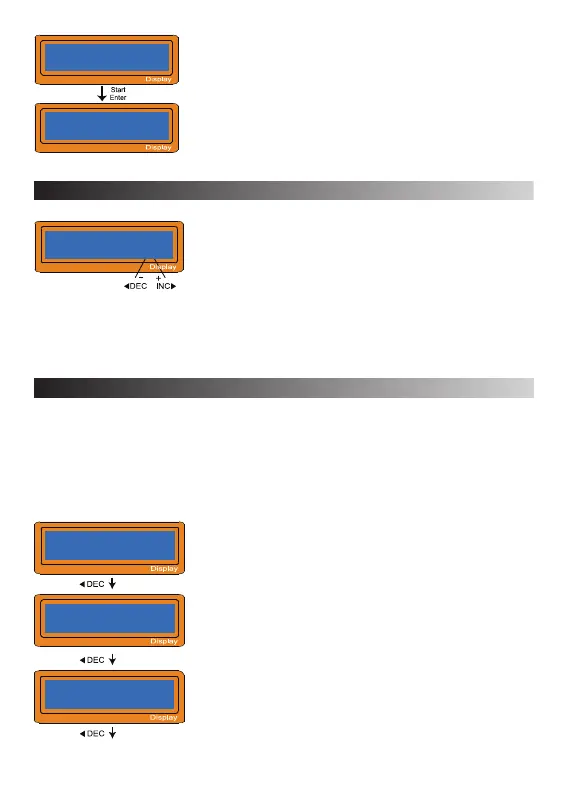
It comes to the final voltage when the program
ended.
Displayed capacity cut-off function is turned on and
the setting value of capacity.
Displayed safety timer is turned on and duration of
time in minutes.
Press ‚Enter‘ to enter the menu.
Show the data of battery pack IR.
Press ‚INC‘ to check the total data of the battery
pack IR (Press ‚INC‘ again to back to show the data
of the single cell IR).
Measuring IR
Wait Please
1: 005mΩ 2: 004mΩ
3: 004mΩ 4: 004mΩ
PROGRAM MEMORY
LiFe[0]
-16-
End Voltage
12.6V(3S)
Safety Timer
ON 240min
Under the battery type interface, press „INC“ or „DEC“
key to select storage number for quick operation.
Press „Enter“ to enter, users can set and storage
common data, set values will automatically saved to
corresponding number.
Users can store 5 sets common data for each battery
type (0)-(4).
Capacity Cut-Off
ON 10000mAh


 To Next Page