3.
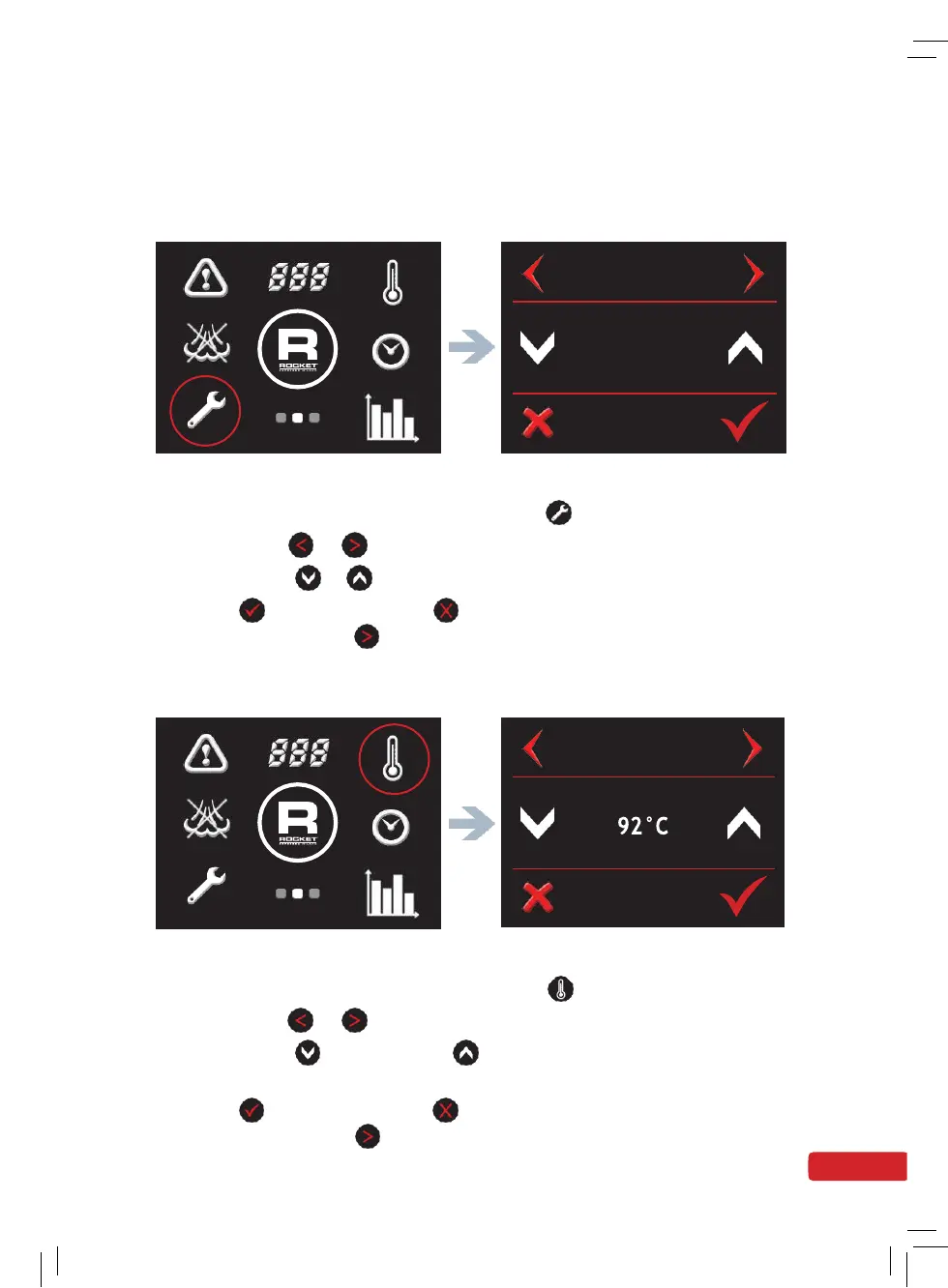
Temperature Settings (units)
Screen 2 - Spanner Symbol Temperature Screen
•
Go to the second screen menu and press
symbol.
•
Press either
or
to navigate through to the temperature screen
•
Press either
or
to select celsius or fahrenheit.
•
Press
to confirm or press
to cancel and return to home screen.
Alternatively press
to scroll to the next setting.
4.
Change the Temperature of the Coffee Boiler
Screen 2 - Temperature Symbol Coffee Temp Screen
•
Go to the second screen menu and press symbol.
•
Press either
or
to navigate through to the coffee temp screen.
•
Press either
to decrease or
to increase the coffee boiler
temperature.
•
Press
to confirm or press
to cancel and return to home screen.
Alternatively press to scroll to the next setting.


 To Next Page
 Loading...