9
Need help? Call 1-800-620-2790 (U.S. and Canada)
RF-HTVMM170C
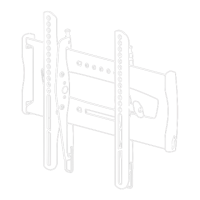
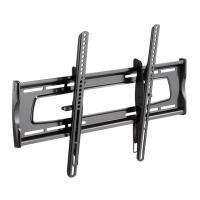
STEP 4 - Attaching the horizontal brackets
1 Slide the horizontal brackets (2) through the slots in the vertical brackets (1), as
shown below. Make sure that the brackets are centered.
2 Secure the horizontal brackets (2) to the vertical brackets (1) with the M4 x 18
screws (17). Tighten the screws until they are snug against the horizontal
brackets. Do not over tighten.
You’ll need
17 (Qty.4)
Phillips screwdriver
2 Horizontal
brackets (Qty.2)
RF-HTVMM170C_16-0577_MAN_V2_ENG_web.fm Page 9 Friday, August 5, 2016 11:18 AM


 To Next Page
 Loading...