2
Top Panel
Top Panel
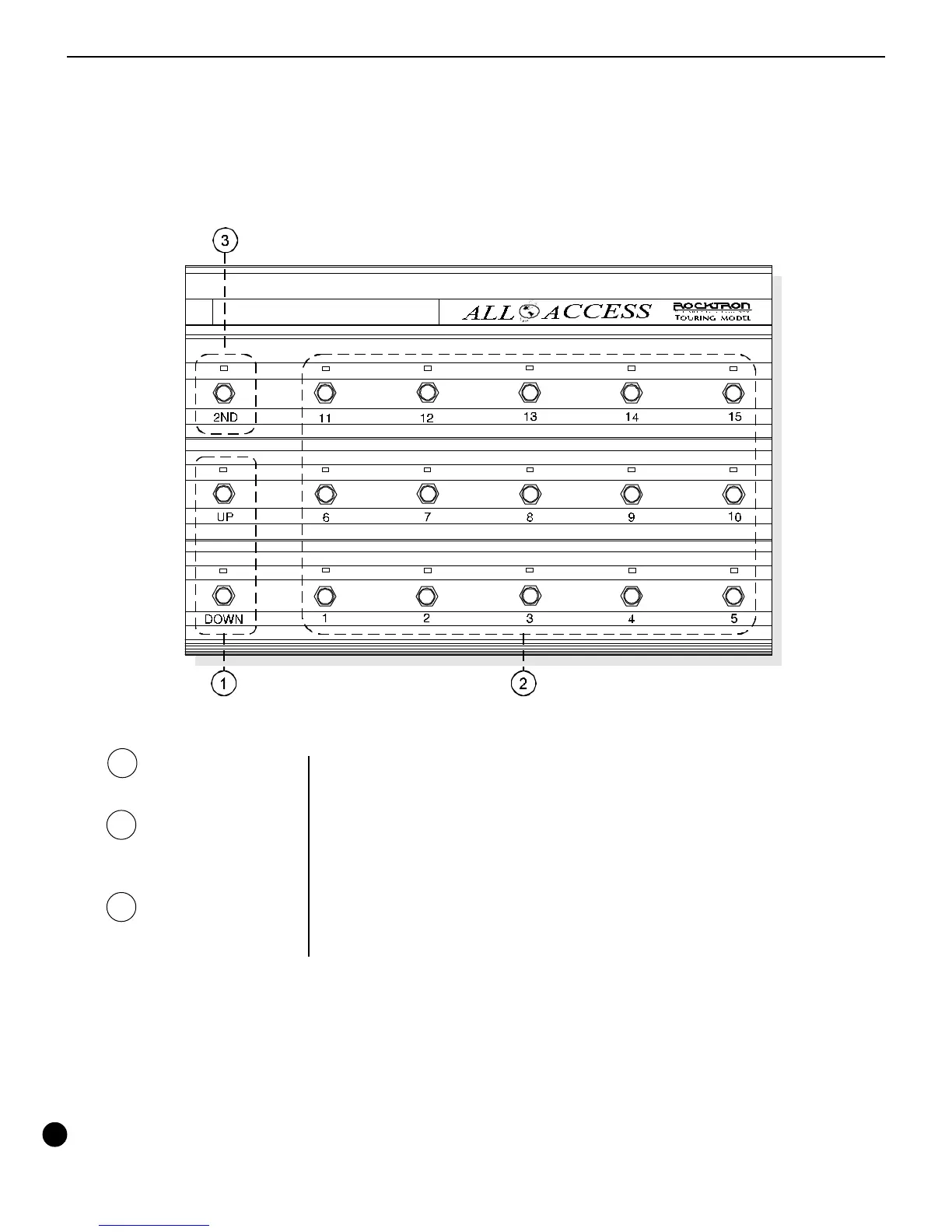
Primary button functions (2ND L.E.D. off) of the All Access footswitch
1 Bank UP/DOWN
switches
2 Switches 1-15
3 2ND switch
These switches allow for the selection of the preset bank (0-12).
These switches are used as preset switches and/or instant access
switches, dependent upon the configuration of the All Access™. (see
SETUP, Pages 1 and 2)
This switch activates the secondary button functions. The secondary
button functions are listed above each switch (see opposite page).



 To Next Page