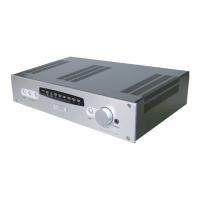
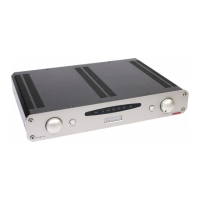
Roksan Audio ltd K2 Stereo Power Amplifier User Manual
CLASSIFICATION: General Use Version 1.02
All specifications are liable to change without notice. E&OE Page 7 of 11 ENGLISH
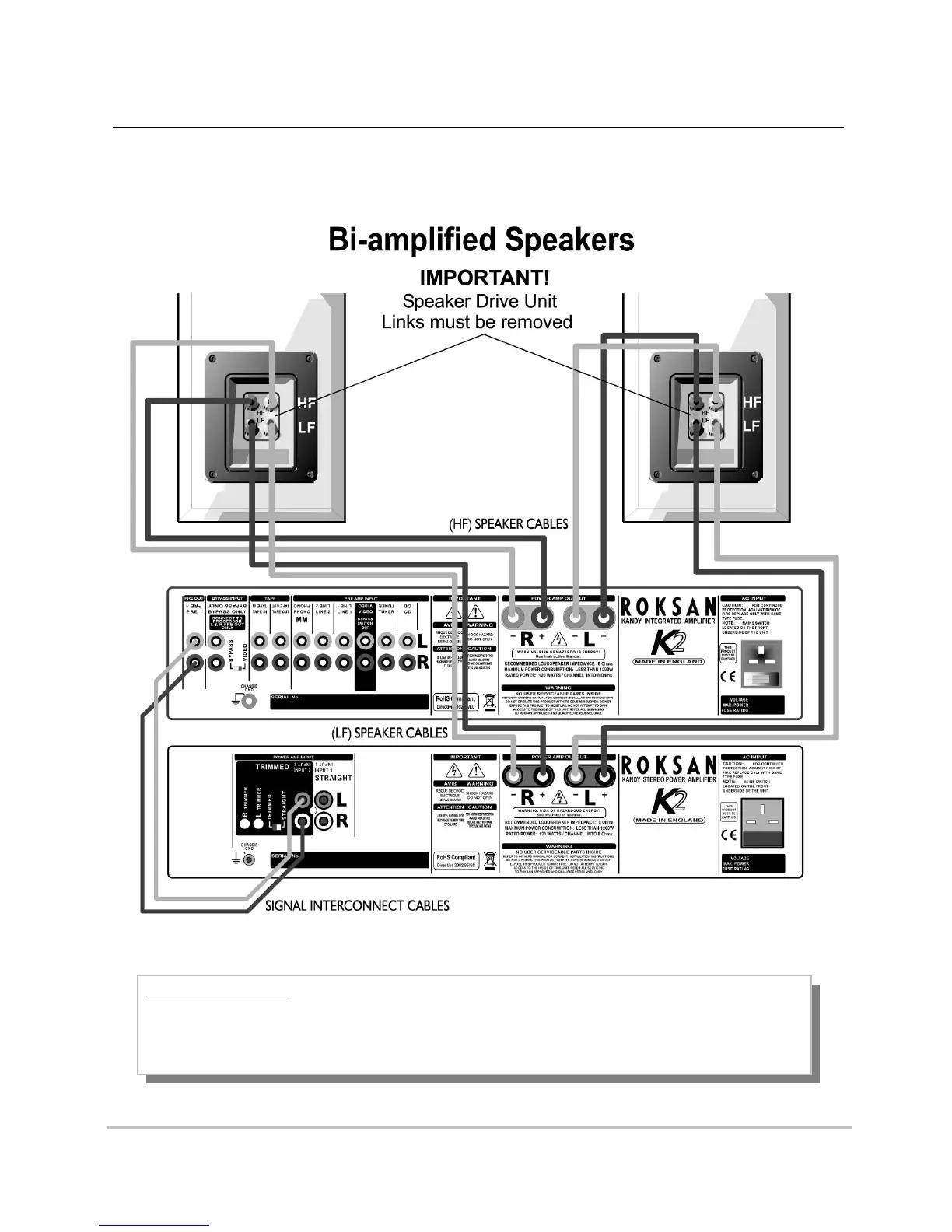
Trimmed Input Connection Set-up
Using the K2 Integrated Amplifier and K2 Stereo Power Amplifier:
CONNECTION NOTES:
1. Connect the Integrated Amplifier L & R Pre outputs to the L & R Trimmed inputs of the 2-channel Power Amp
2. Connect L & R speakers to the 2-Channel Power Amplifier L & R speaker outputs
3. Switch to the ‘TRIMMED’ input on the back
4. Carefully adjust the L & R trimmers to achieve the required level.
+
-
+
-







 To Next Page