Editing the Eects
53
Performance
Functions
Editing
Sequencer
(Creating Songs)
Sampler Pads DAW
Appendix
Overview Performing SettingsEditing
Editing the Eects of the Studio Set
Here’s how to edit the eects of the studio set.
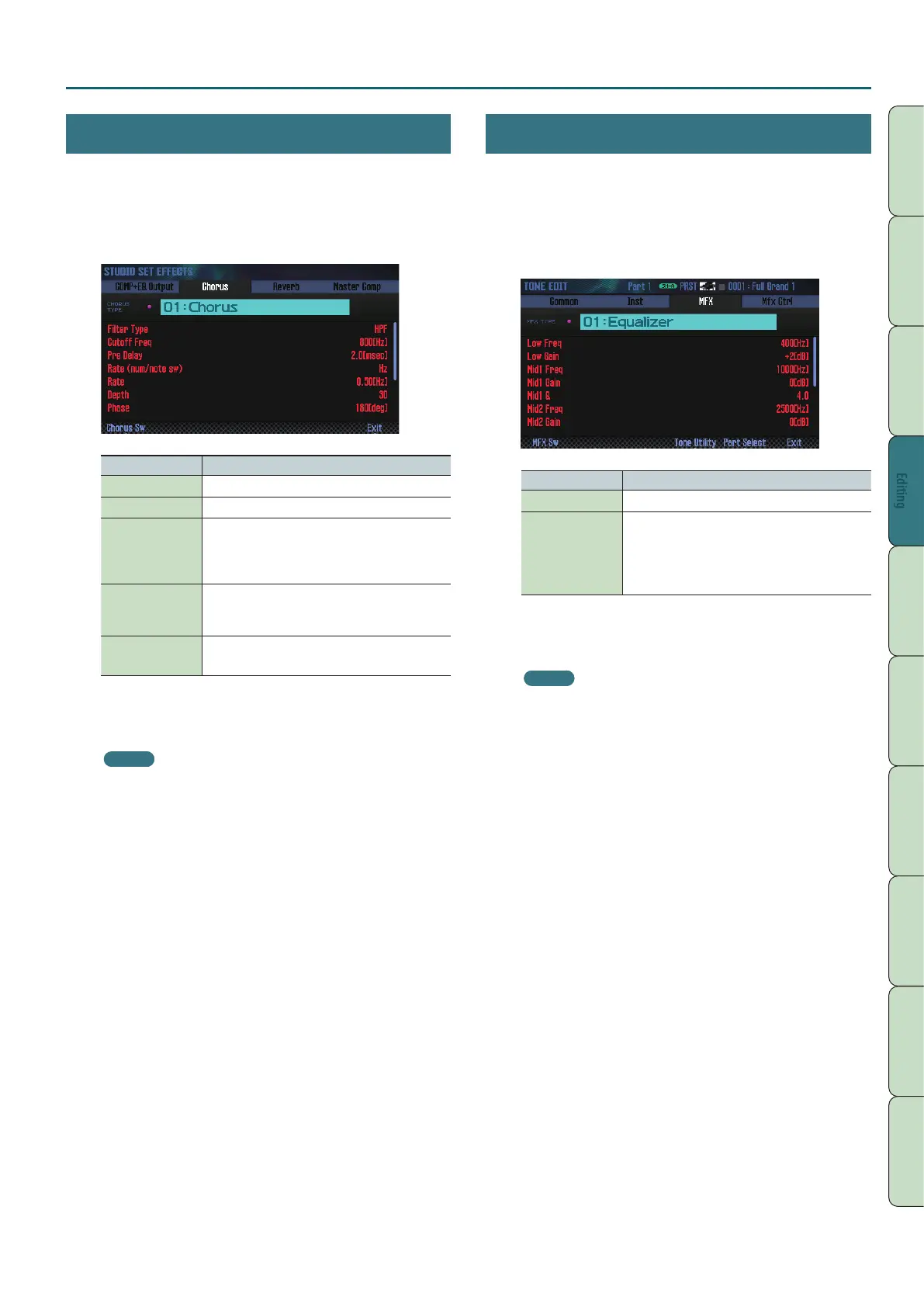
1. Access the EFFECTS EDIT screen (p. 52).
2. Press the eect button.
The STUDIO SET EFFECTS screen appears.
Button Explanation
[3] (Chorus) Edits the chorus settings.
[4] (Reverb) Edits the reverb settings.
[SHIFT] + [3]
(Comp+EQ Output)
Species the output destination of the drum part’s
compressor and equalizer.
* This is valid only if the tone of the part specied by
Drum Comp+EQ Assign is either PCMD or SN-D.
[SHIFT] + [7]
(Master Comp)
Applies a nal adjustment (compression) to the
overall sound of the studio set.
* When M.COMP/IFX Select is set to “Master Comp.”
[SHIFT] + [7] (IFX)
Edits the insert eect settings.
* When M.COMP/IFX Select is set to “IFX.”
3. Use the cursor buttons to select a parameter, and use the
dial to edit the value.
MEMO
For details on the parameters, refer to “Parameter Guide”
(PDF).
Editing the Eects of the Tone
Here’s how to edit the MFX and the compressor/equalizer of the
drum part.
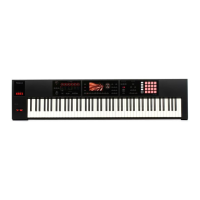
1. Access the EFFECTS EDIT screen (p. 52).
2. Press the eect button.
The TONE EDIT screen appears.
Button Explanation
[2] (MFX) Edits the MFX (multi-eect) settings.
[SHIFT] + [2]
(Comp+EQ)
Edits the compressor and equalizer of the drum part.
* This can be edited only if the part 10 drum kit is
selected.
* This is valid only if the tone of the part specied by
Drum Comp+EQ Assign is either PCMD or SN-D.
3. Use the cursor buttons to select a parameter, and use the
dial to edit the value.
MEMO
For details on the parameters, refer to “Parameter Guide”
(PDF).


 To Next Page