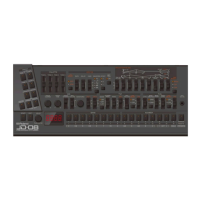
Using the Phrase Function
16
Using the Phrase Function
Basic operations
1.
Press the STYLE [ON] button to make it light up (ON).
2.
Play the keyboard.
Arpeggios or phrases play according to the STYLE and VARIATION settings.
* To check the effect of playing a chord, press the [CHORD] button to make it light up.
Selecting the phrase type (style/variation)
1.
Turn the [STYLE] knob.
The style changes according to the position (value) of the knob.
2.
Turn the [VARIATION] knob.
The variation changes for each style according to the position (value) of the knob.
Ø Phrase List(P.31)
Phrases that are selected when the STYLE [ON] button is lit are stored for patterns, as well as for each step in step edit. When all
steps in a pattern are set to STYLE: OFF, the phrase selected for the pattern is applied to all steps. For steps set to STYLE: ON, the
phrases selected for the steps are given priority, and these phrases continue to be used even if the following steps are set to


 To Next Page
 Loading...