24
Changing the Tones
Editing a Tone
Here’s how to adjust the volume or reverb send level, set the sample
playback range and make other settings related to tones and samples.
1. Press the [SEQ] button to set the workow to “Sequencer.”
2. Press the [SECTION SELECT] button to switch the pads to
Section Select mode.
3. Press a button from [KICK] through [INST 2] to select a track.
4. Press the [EDIT] button, and then press pads [1]–[16] to select
the clip to edit.
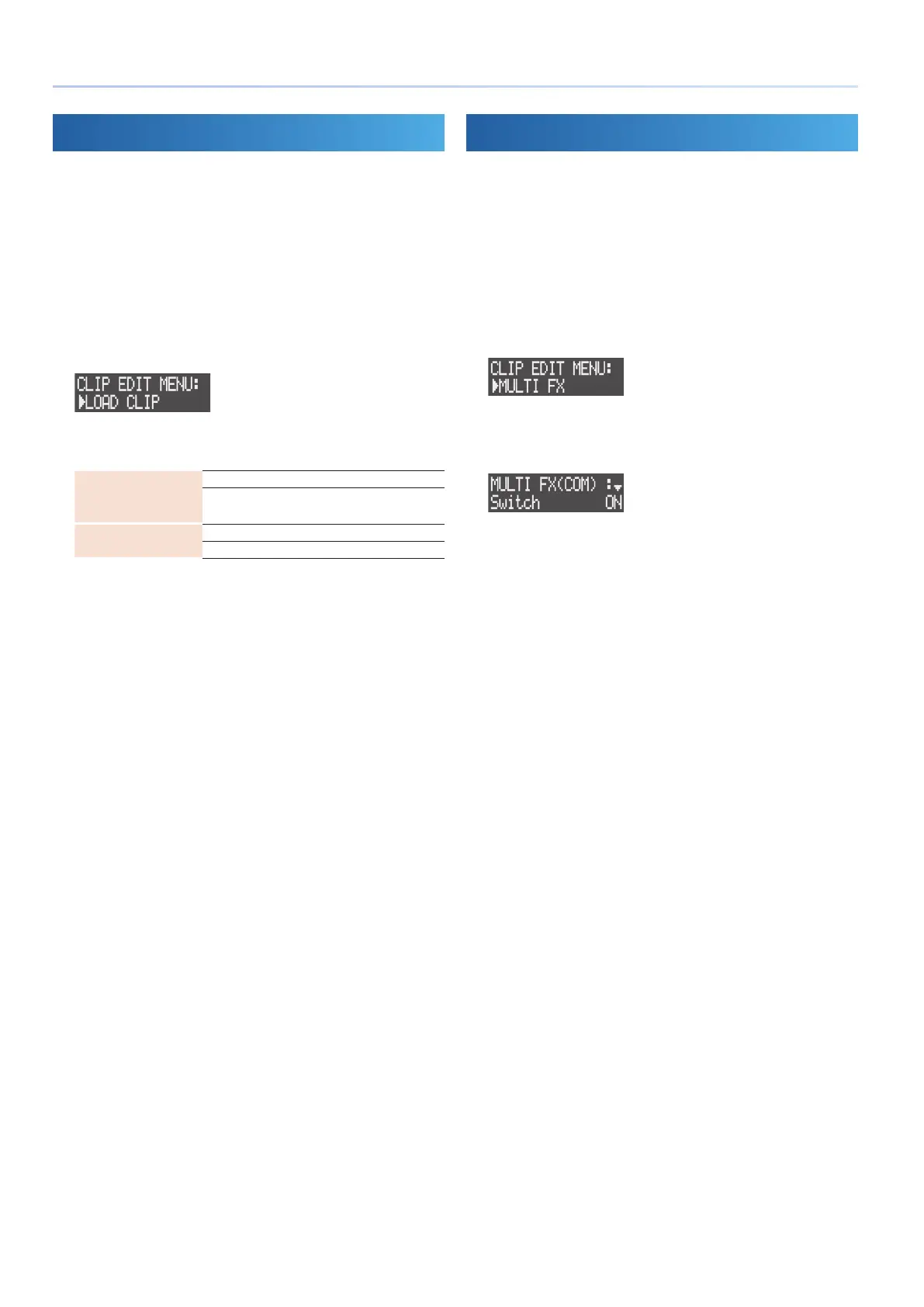
The CLIP EDIT MENU screen appears.
5. Use the [VALUE] dial to select the menu, and then press the
[VALUE] dial.
Track type: Tone
TONE SETTING
SAMPLE EDIT
* Only displays when loading a sample.
Track type: Drum Kit
KIT SETTING
INST EDIT PAD 1–16
6. Use the [VALUE] dial to select a parameter, and edit the value.
&For details, refer to the “Parameter Guide” (PDF).
Editing the Multi-Eects
You can use multi-eects on tones and samples to process the sound.
1. Press the [SEQ] button to set the workow to “Sequencer.”
2. Press the [SECTION SELECT] button to switch the pads to
Section Select mode.
3. Press a button from [KICK] through [INST 2] to select a track.
4. Press the [EDIT] button, and then press pads [1]–[16] to select
the clip to edit.
The CLIP EDIT MENU screen appears.
5. Use the [VALUE] dial to select “MULTI FX,” and then press the
[VALUE] dial.
MULTI FX screen appears.
6. Use the [VALUE] dial to select a parameter, and edit the value.
&For details, refer to the “Parameter Guide” (PDF).



 To Next Page
 Loading...










