© 2017 Ropam Elektronik
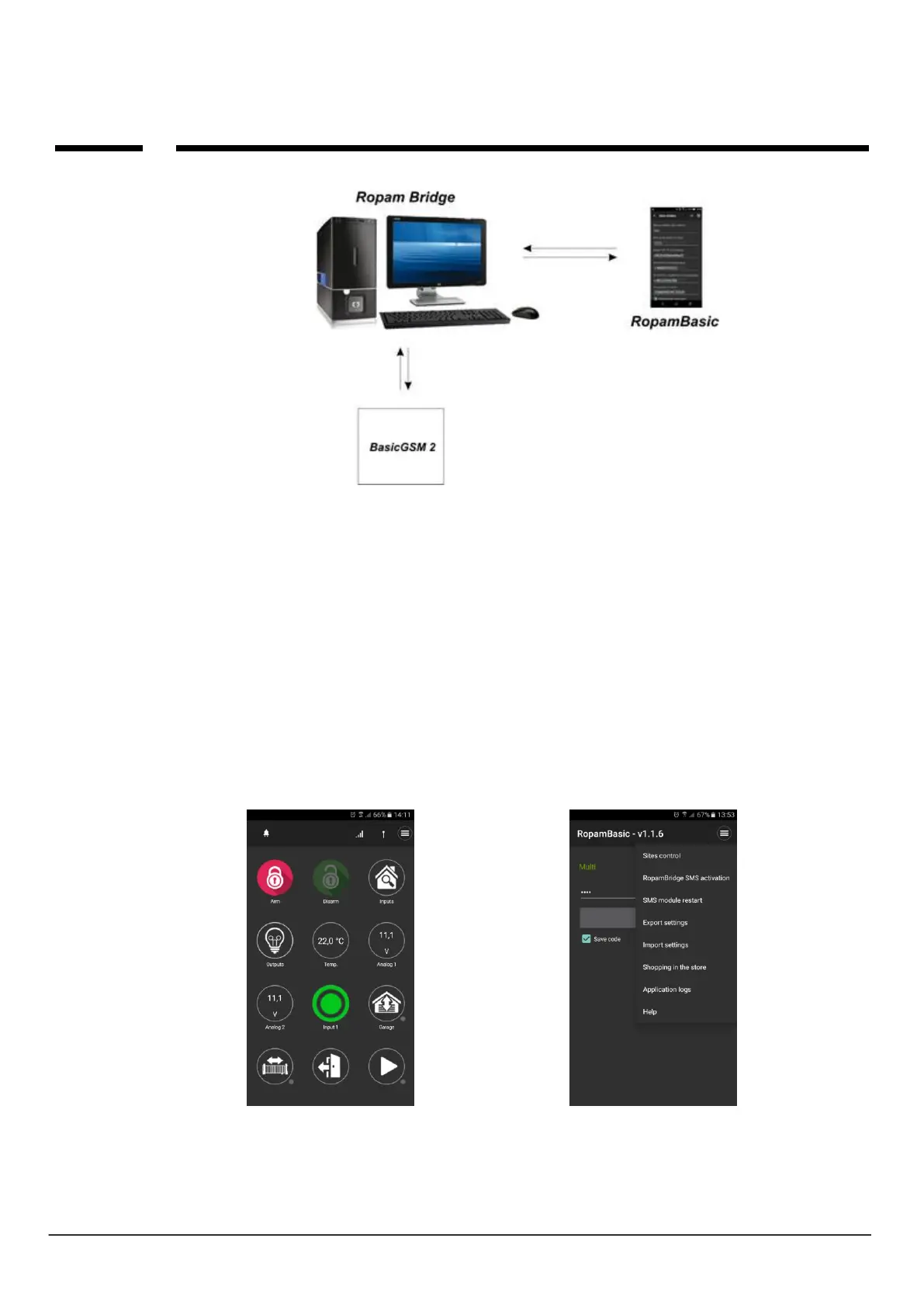
There are 2 ways to connect an application to a BasicGSM 2 module:
- Always after reboot (module) - the module sends to RopamBridge server data that is ready to
connect to the mobile application, the server stores that data until the connection is established
between the user and the module.
- On request of application (mobile) - user after application activation is asked to send an SMS request
to set up the connection to the module (recommended due to accidental module control from the
application).
Description of application windows.
RopamBasic has the ability to define a main window with icons that are defined in BasicGSM
Manager.
Main application window: Features available from the application:



 To Next Page